
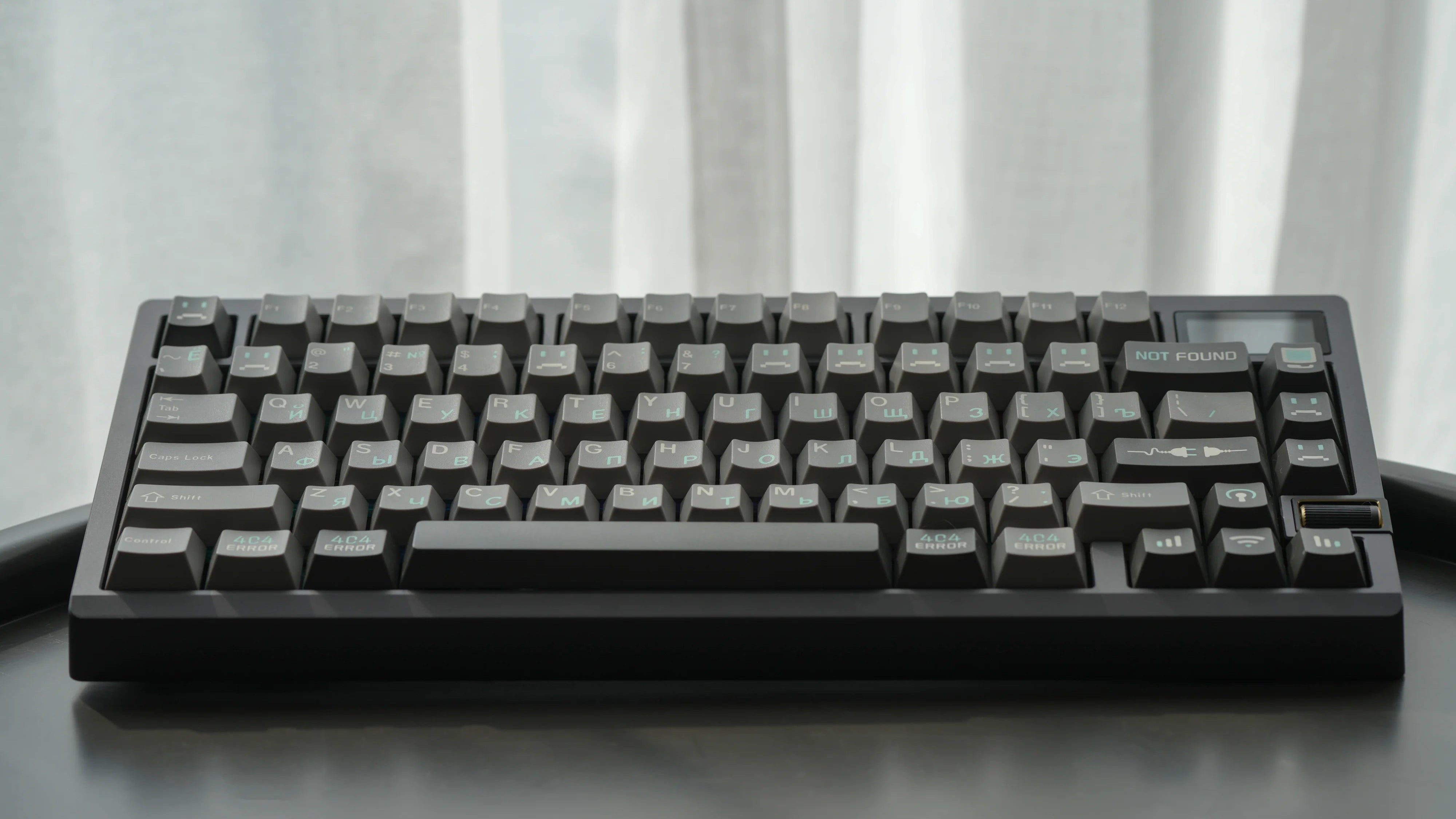
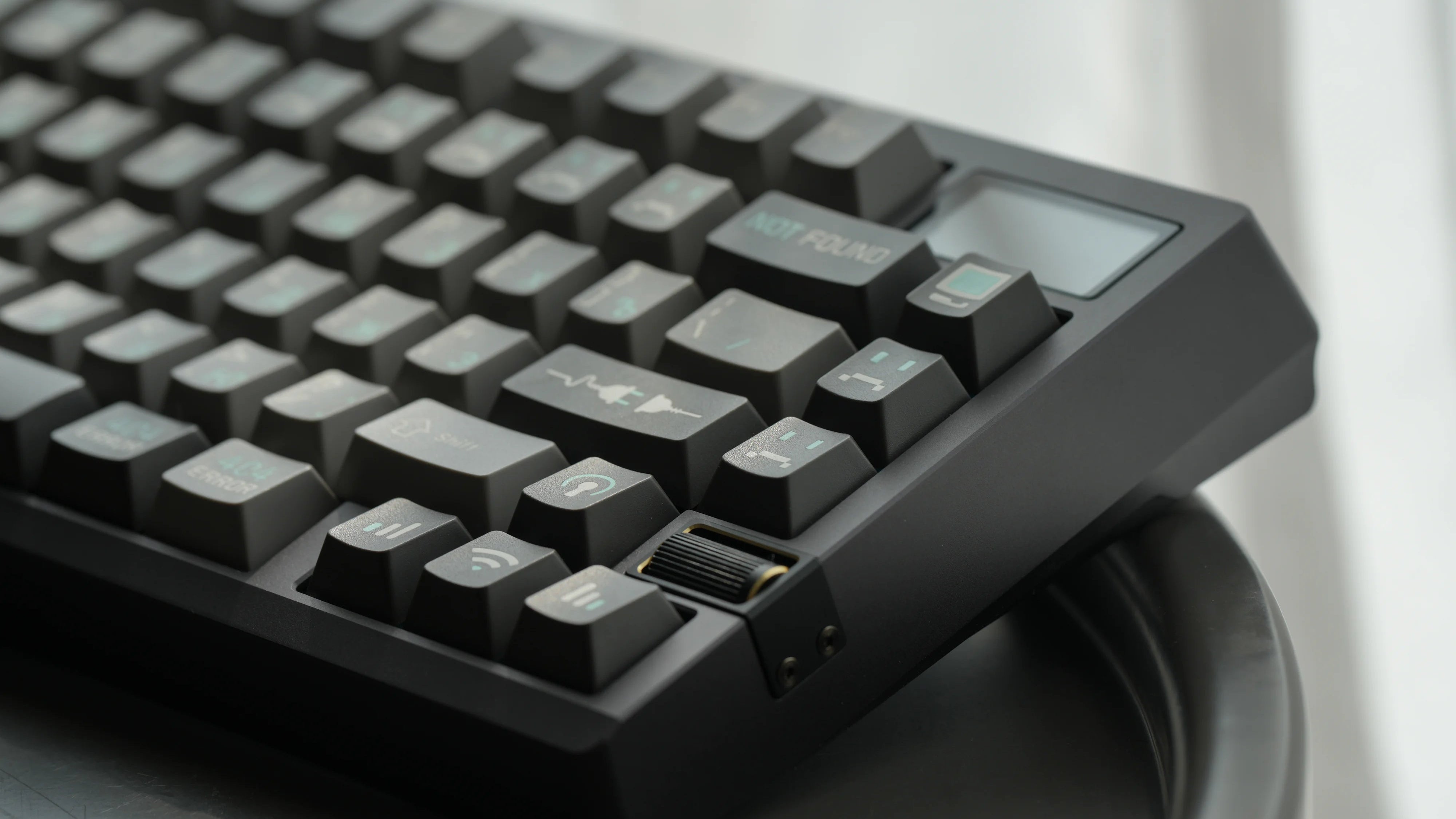
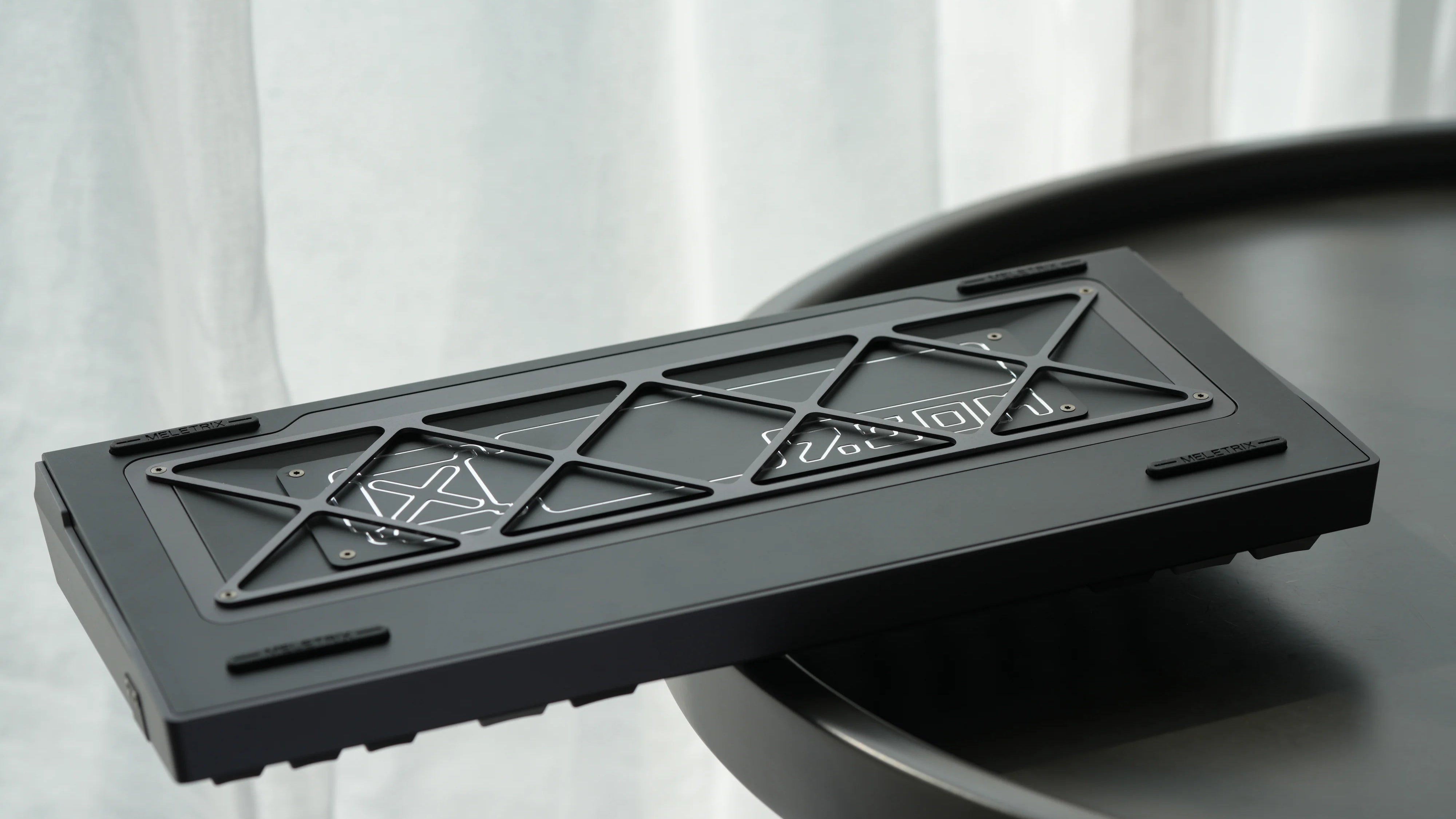
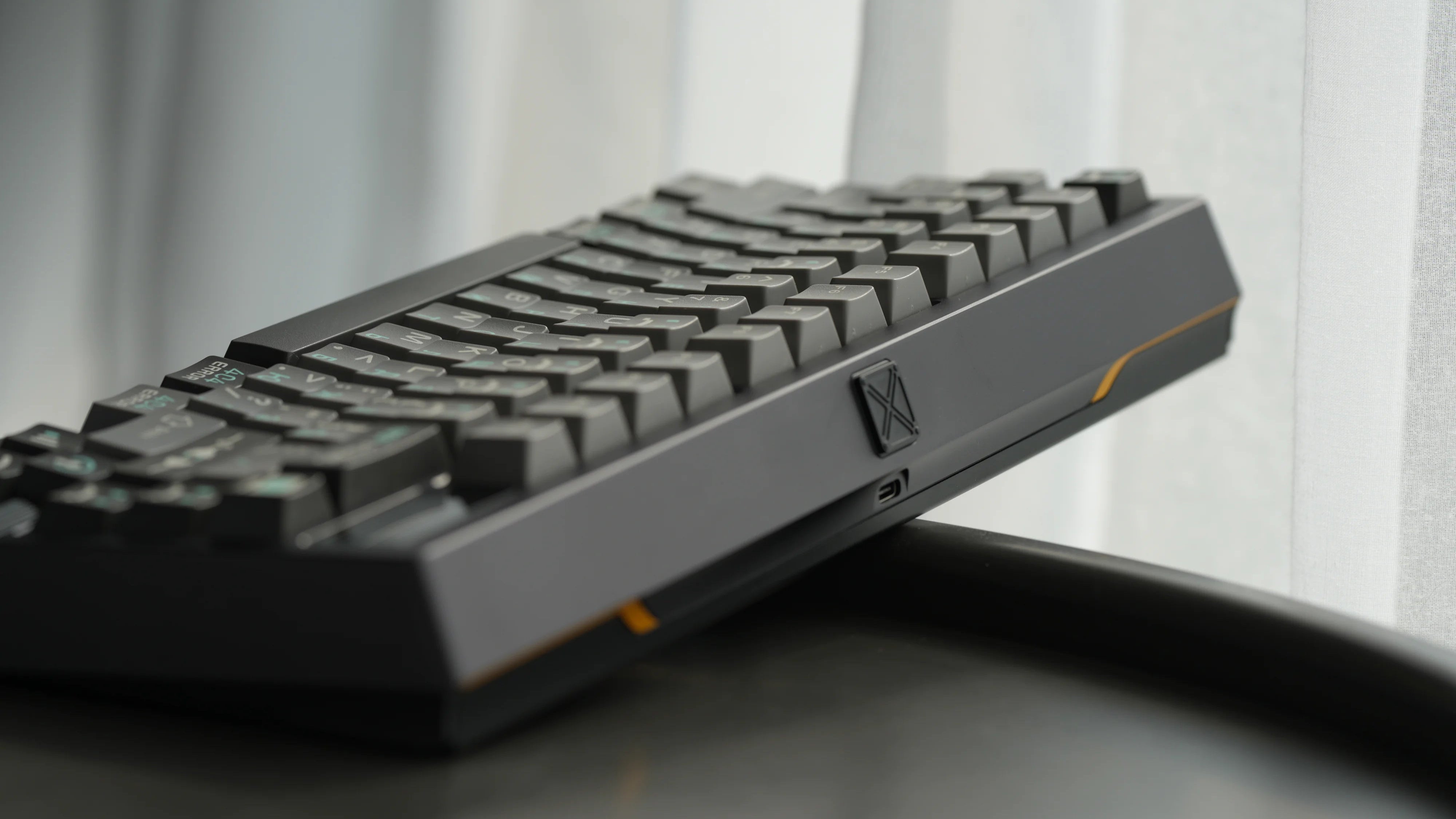
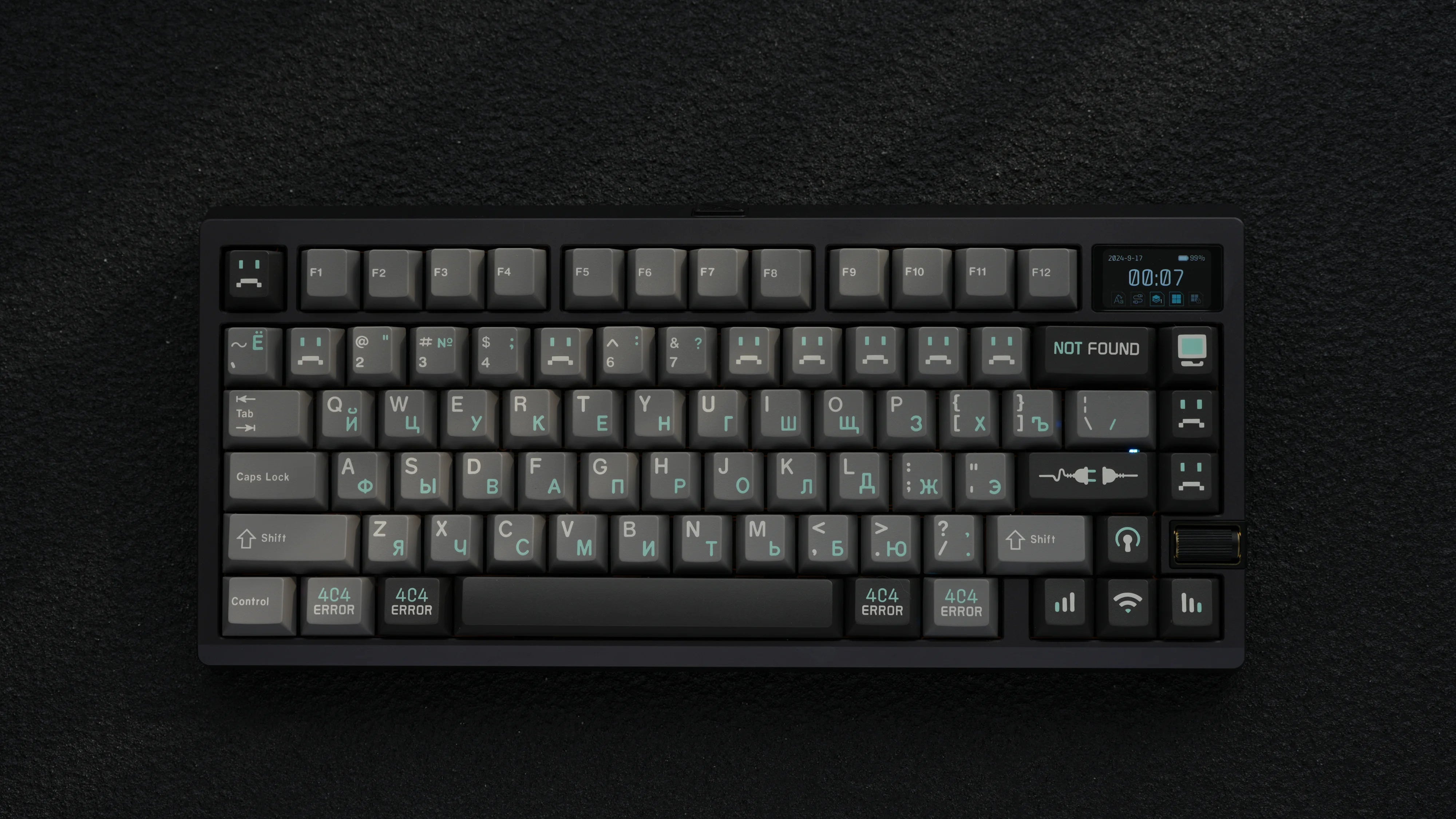
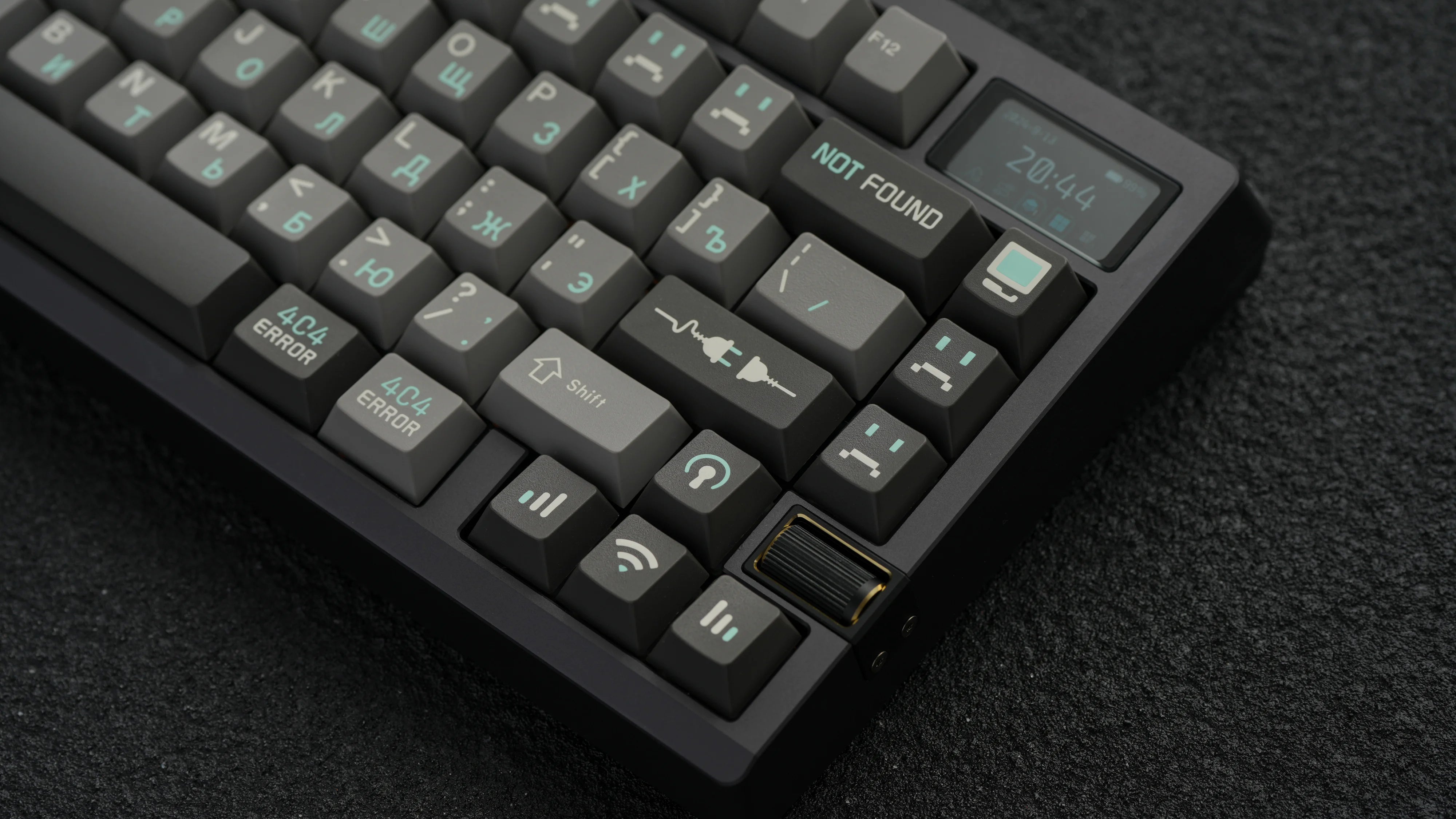
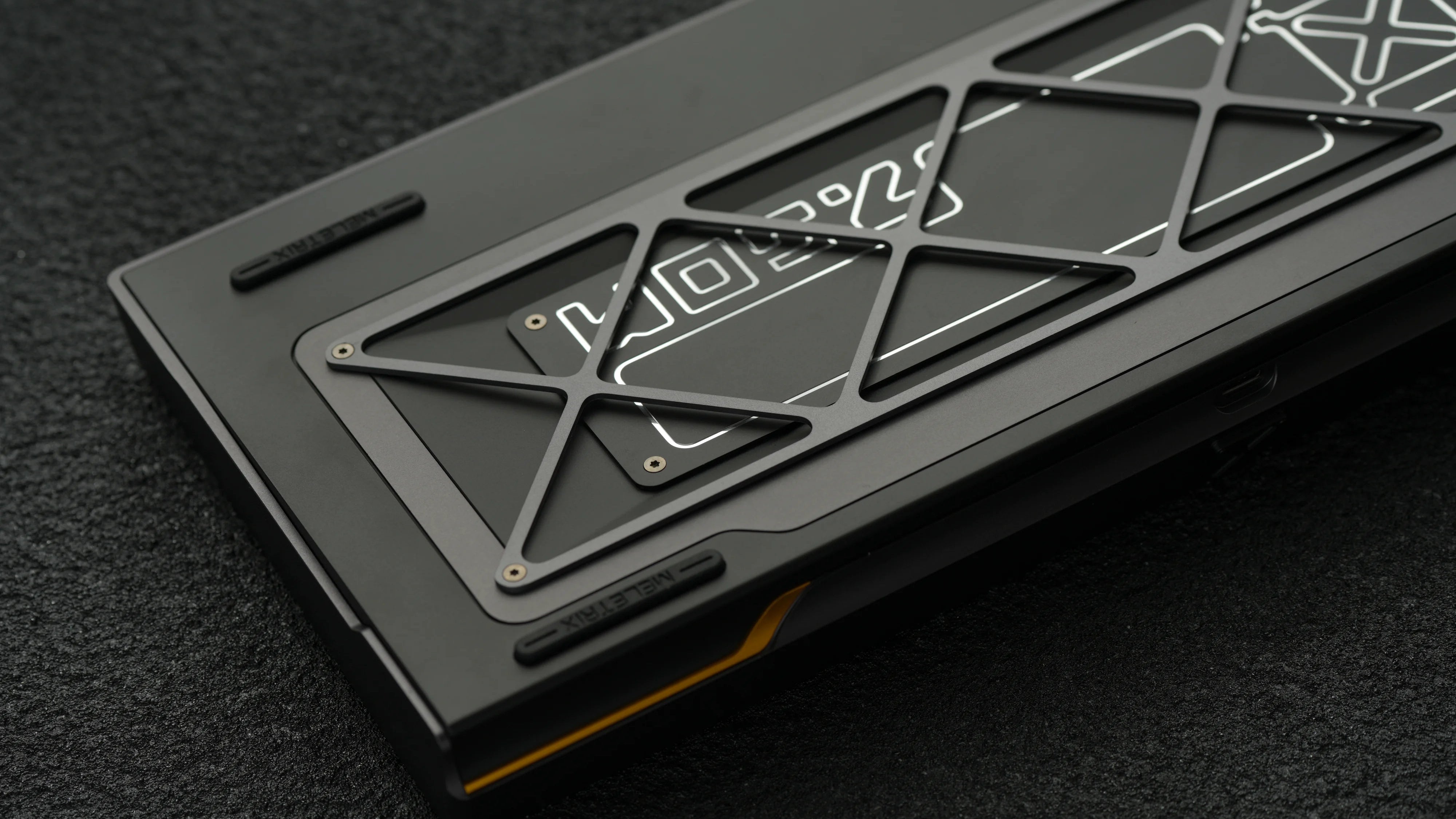

Zoom75 TIGA Gunmetal Gray
*Milk tea、 White、 Black、 Aquamarine with glitter on the surface,if you mind please choose carefully
- There will be a 4% fee on order cancellations and refunds after placing an order. Your payment method will be charged as soon as you place the order. There are no refunds or cancellation after the group buy ends.
- Since there are so many variations, images provided on the product page are renders or prototypes and are for display purposes only. Please also refer to the prototype's video as a reference before purchasing.
- ZOOM75 TIGA Quality Disclaimer
Zoom75 TIGA Add Ons


11 colors available


11 colors available


15 colors available


3 colors available


ZOOM75 TIGA
3 Options

For the first time, we’re introducing the “cork sandwich,” perfect for those who prefer a board without traditional foam. This cork layer produces a crisper sound for a unique typing experience.
Poron foam offers excellent durability and fatigue resistance, ensuring consistent sound performance over time. With a muted sound profile it makes it the perfect option for office use. The darker color when compared to traditional foam also offers an overall sleek look.
Classic Foam tends to change the sound profile over time while offering a higher-pitched sound profile.
Cork Sandwich-WS Black Arowana switch Typing Test
Force Break Design
This mod helps reduce any metallic ringing without changing the sound signature, giving you a cleaner, more stable typing experience without sacrificing structure.

4 Mounting Systems

A next-gen solution offering balance between rigidity and elasticity.

Adds bounce and flexibility for a softer typing experience.

Helps achieve a muted, cushioned typing feel.

A classic for stability and tactility.
A next-gen solution offering balance between rigidity and elasticity.
Adds bounce and flexibility for a softer typing experience.
Helps achieve a muted, cushioned typing feel.
A classic for stability and tactility.
Screwless Quick Assembly Upgrade
We’ve replaced ribbon cables with pogo pins for easier assembly. Additionally, bumpers have been added around the pogo pins to reduce damage

Upgraded Finish Treatment
We’re introducing Acustatic, a cutting-edge electrostatic spray technology that delivers vibrant colors and superior consistency. The smooth, refined surface achieved by a 220-mesh fine spray coating offers a premium feel and finish.


Versatile Design


Screen Upgrade
The new screen reduces damage risk, doubles memory, increases transfer speed fourfold, and achieves 60 fps for smooth high-resolution display.

Screen and Knob Integration
We used a scroll wheel knob to maintain a large screen while providing functionality. The screen can be swapped for badges or keycaps for more customization.


LED Upgrade
We’ve upgraded the PCB LEDs with improved wavelength, color range, and brightness. The overall lighting area is now twice as large.


15 Stunning Options
Introducing 2 new colors this year - Forest Green and Grape Purple


Exploded View
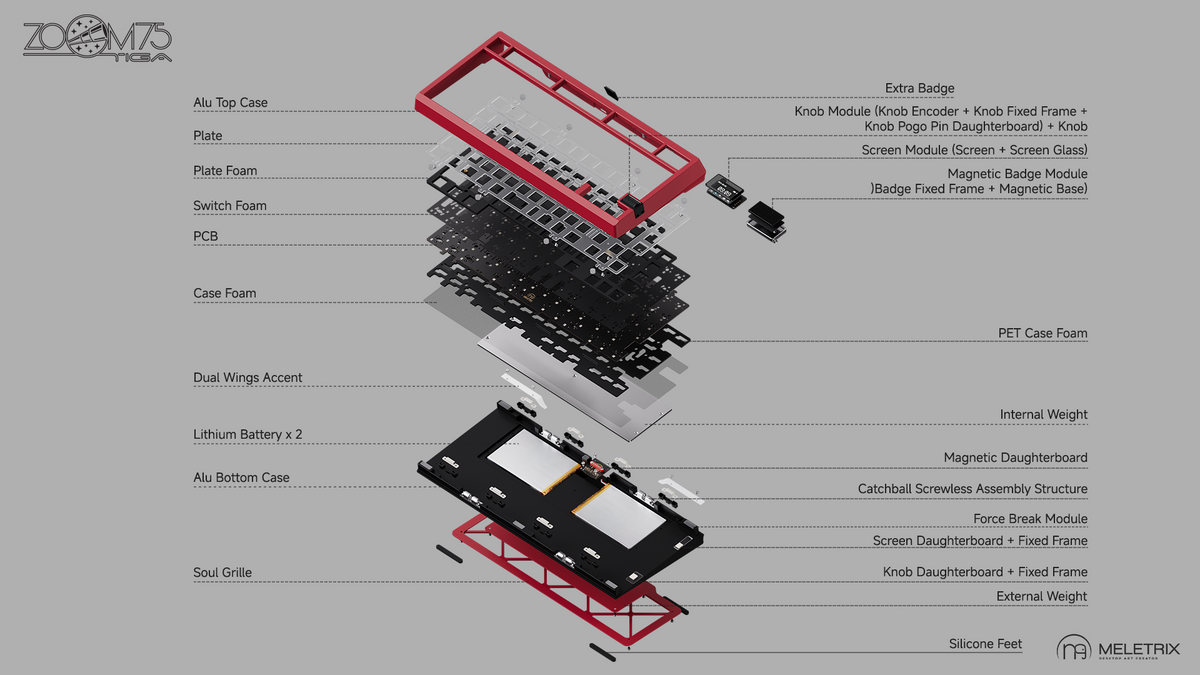

ZOOM75 TIGA Real Photograph


Our Media
This is my first custom keyboard kit and I feel like this my endgame keyboard.
The setup and build is easy. Its apparent that a lot of thought and care went into this board. With its ball catch system and solderless/screw-driverless(only if you dont use the stand off screw set for the pcb to plate) I had zero trouble getting the keyboard setup on the first try. The keyboard feels very premium and I'm happy with my purchase.
My only complaint is that some of the accessories are sold out...Would love to try different plates and foam set ups. 5/5 - 1000000% recommend this kit for those who are new to the hobby!
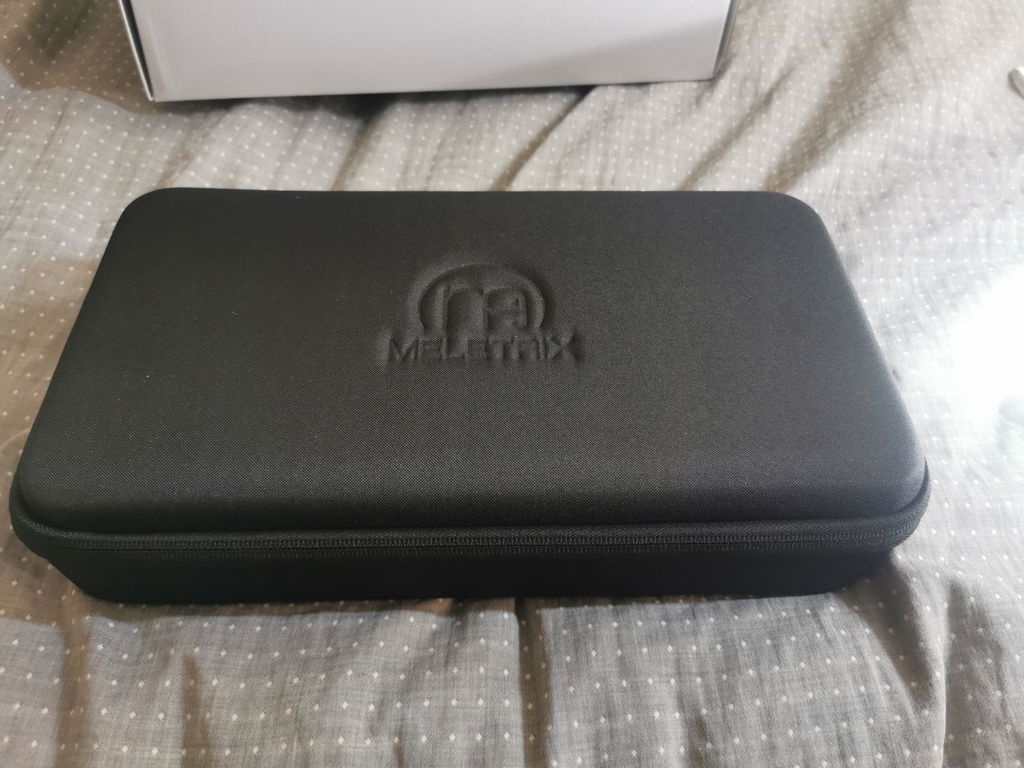
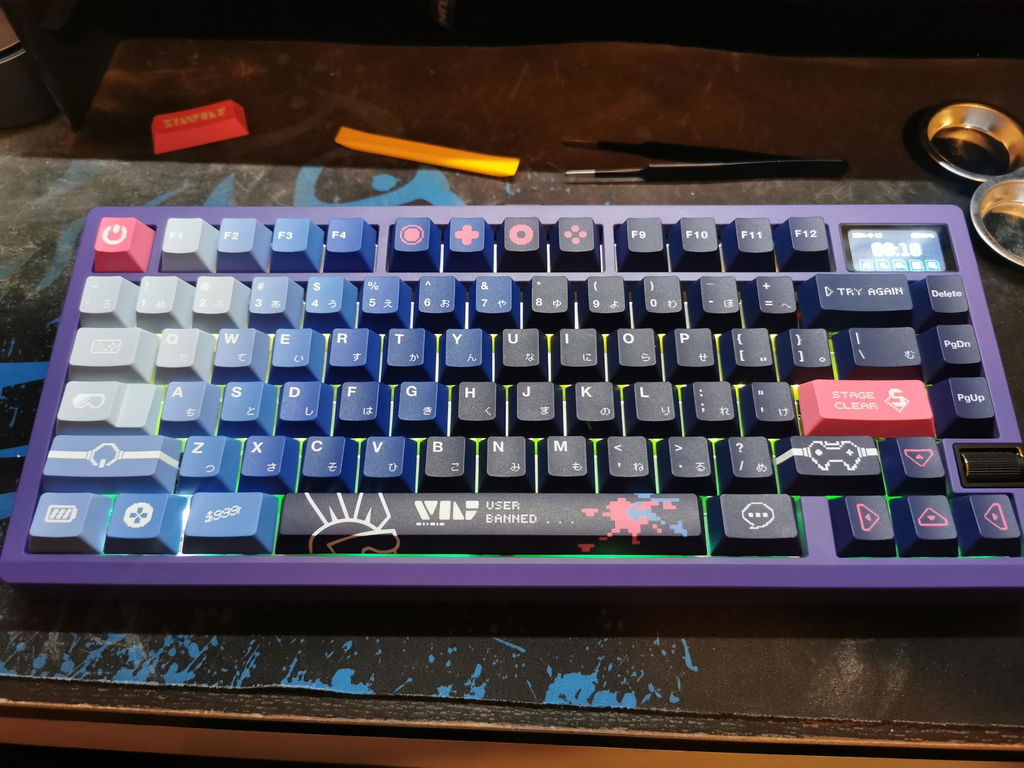
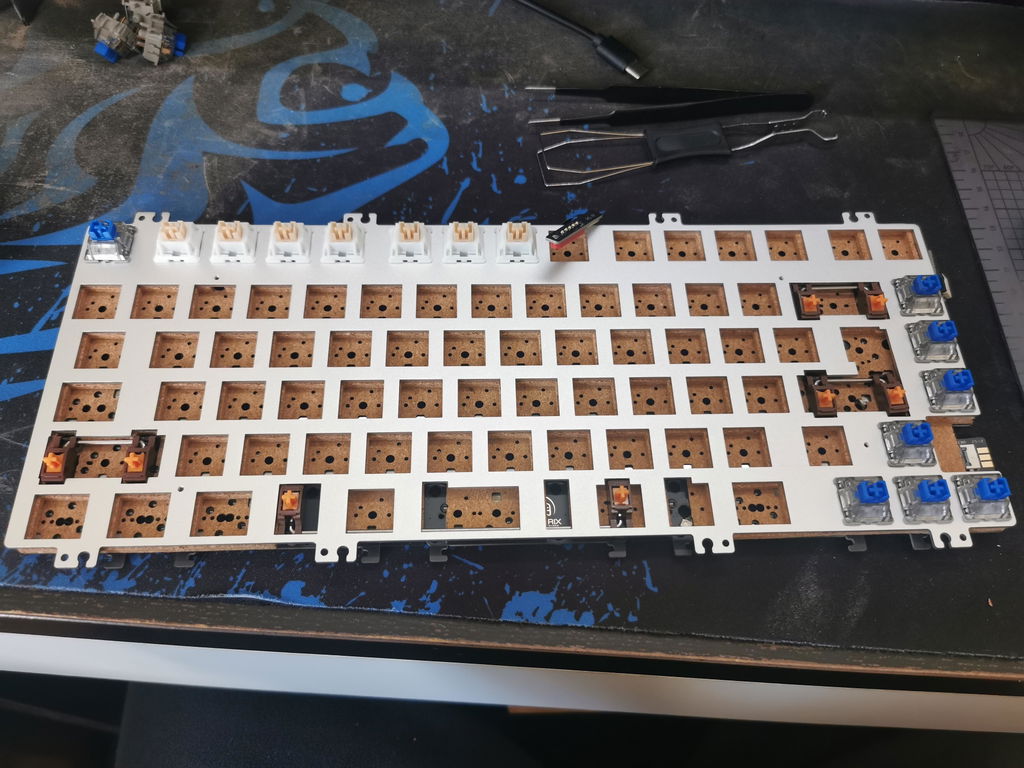
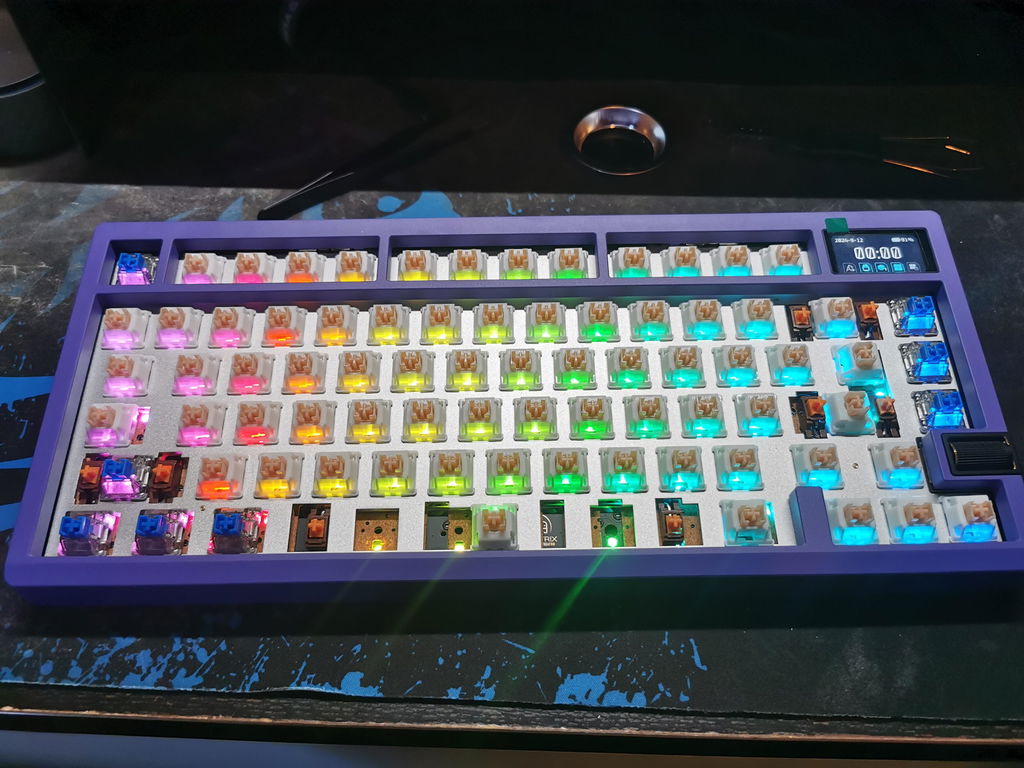
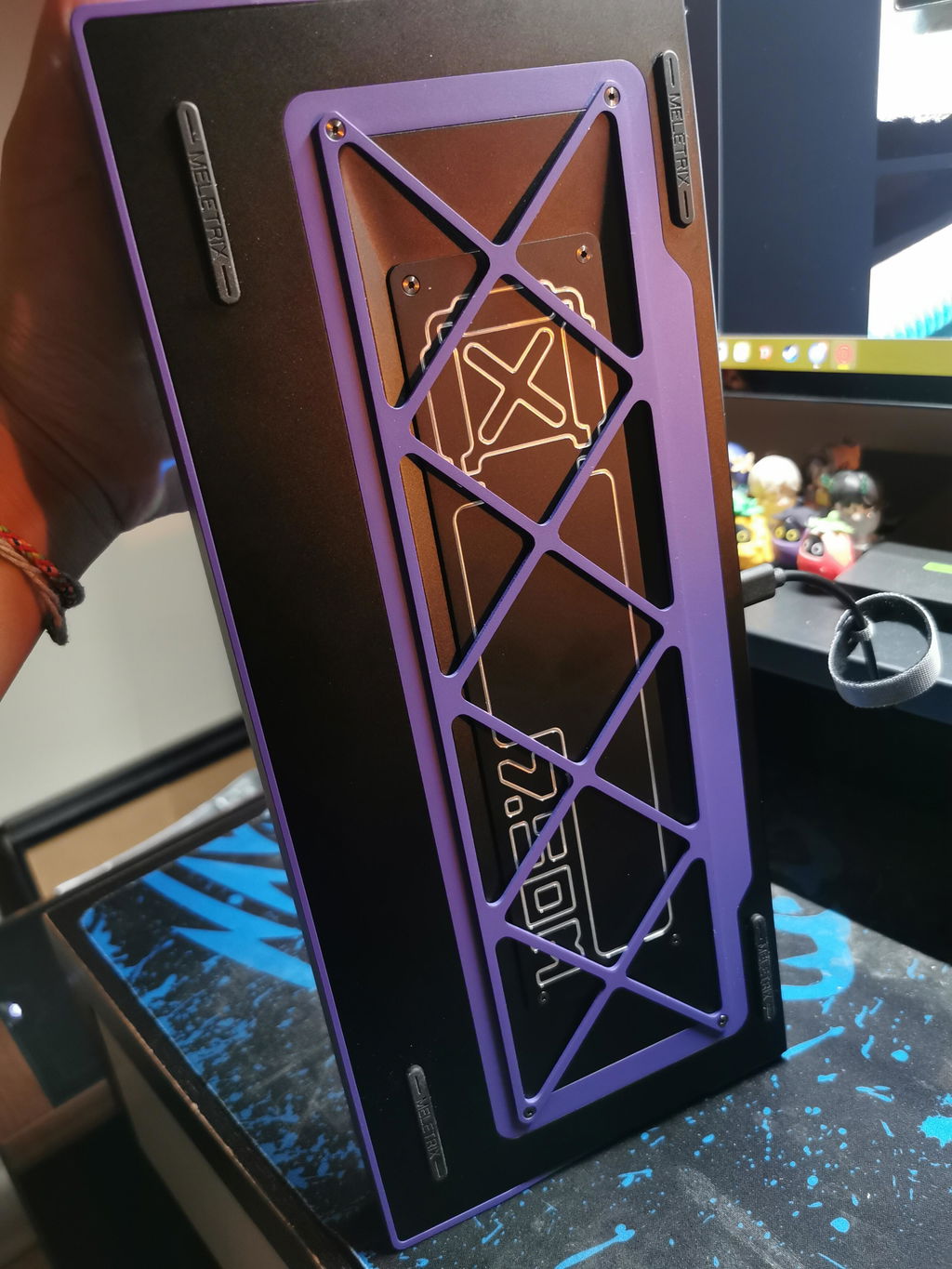
Lovely board, one of the best and functional innovative fun designs, like the knob/scroll for volume placed nicely. I really liked building it, fun experience, quality materials and plenty of customization options. I also loved the anodization of the board and general design language. One of the nicer releases since a long, long time in the 75pct space! I can't rave enough about this board.
I did miss how much was out of stock already for more customization though. I would have loved an aquamarine badge and aquamarine wings, but alas.
On minor thing: it would be nice if those files would be available for 3D-print for example, so that if the board is discontinued we'd have at least that kind of support.
One lesser thing is the screen, althought functional and great out of the box, the Wuque Pocquet app is a pain to work with, and has a clunky interface. It would be nice if that could be resolved with a desktop app, so we can just plug in the board and upload gifs that way. Now it takes a very long time.
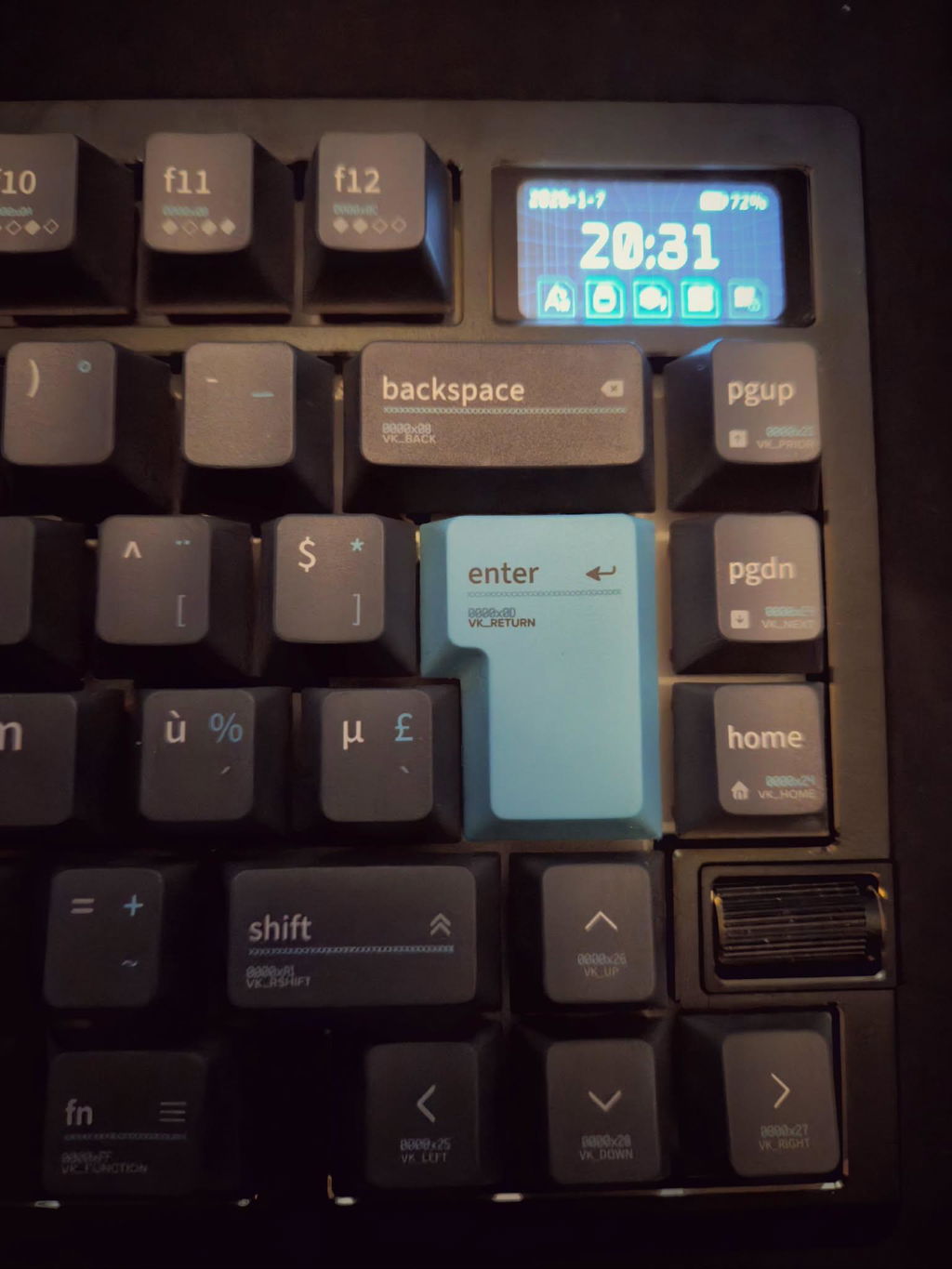
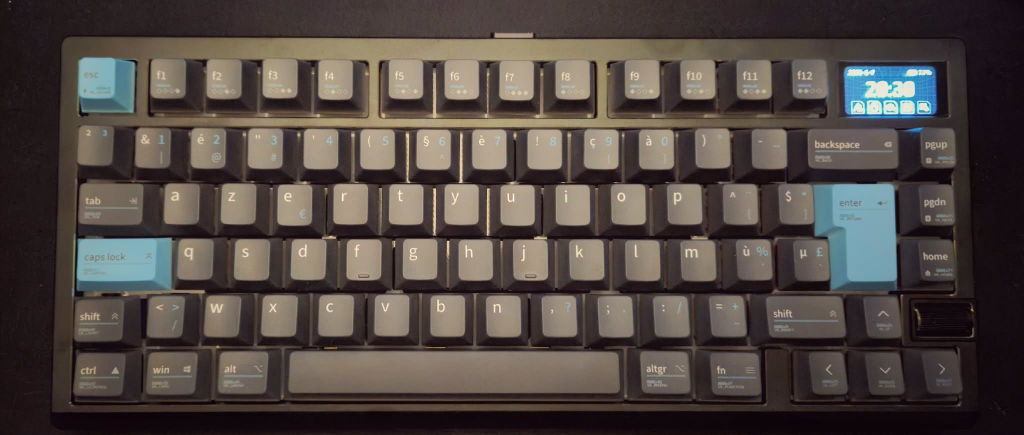
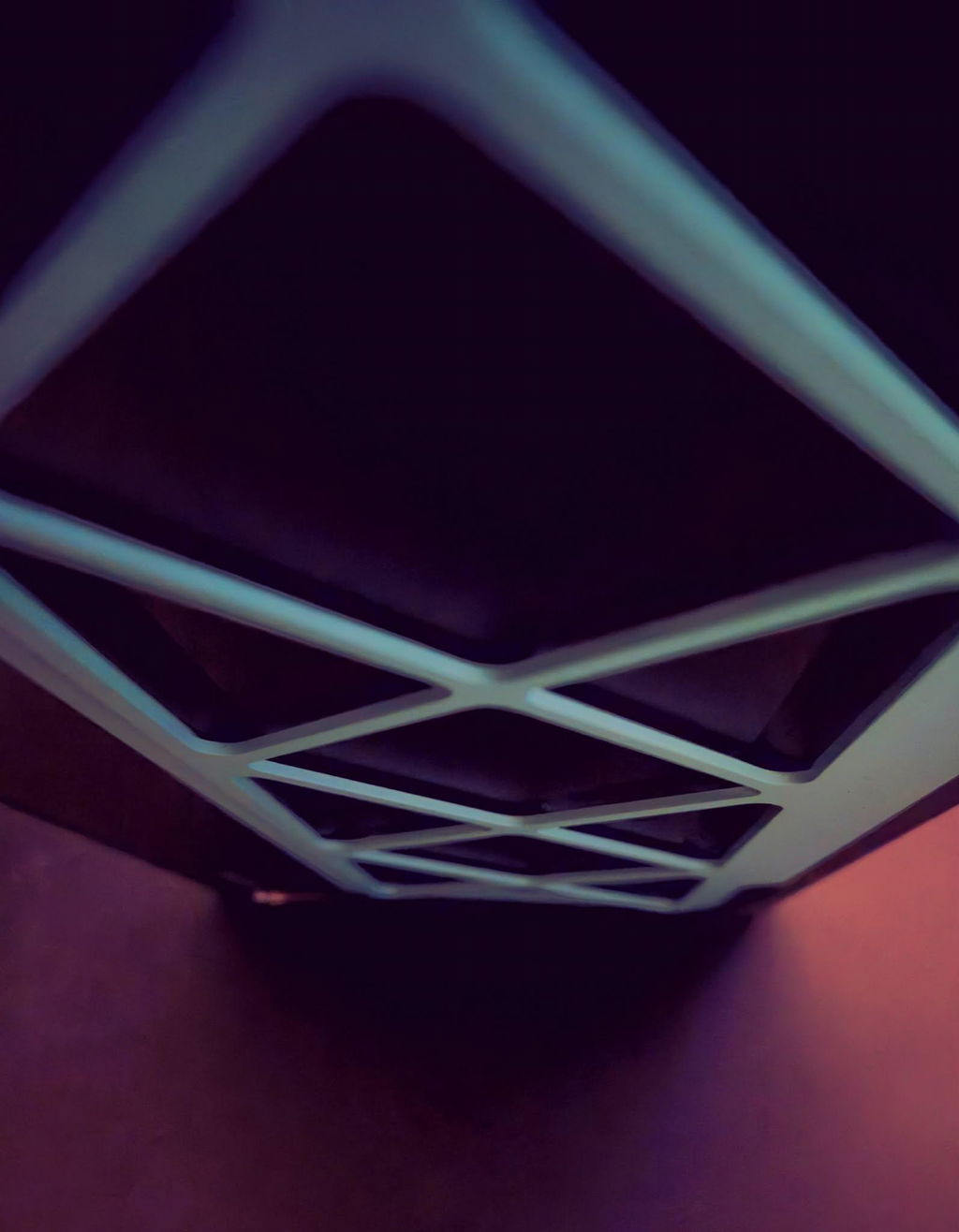
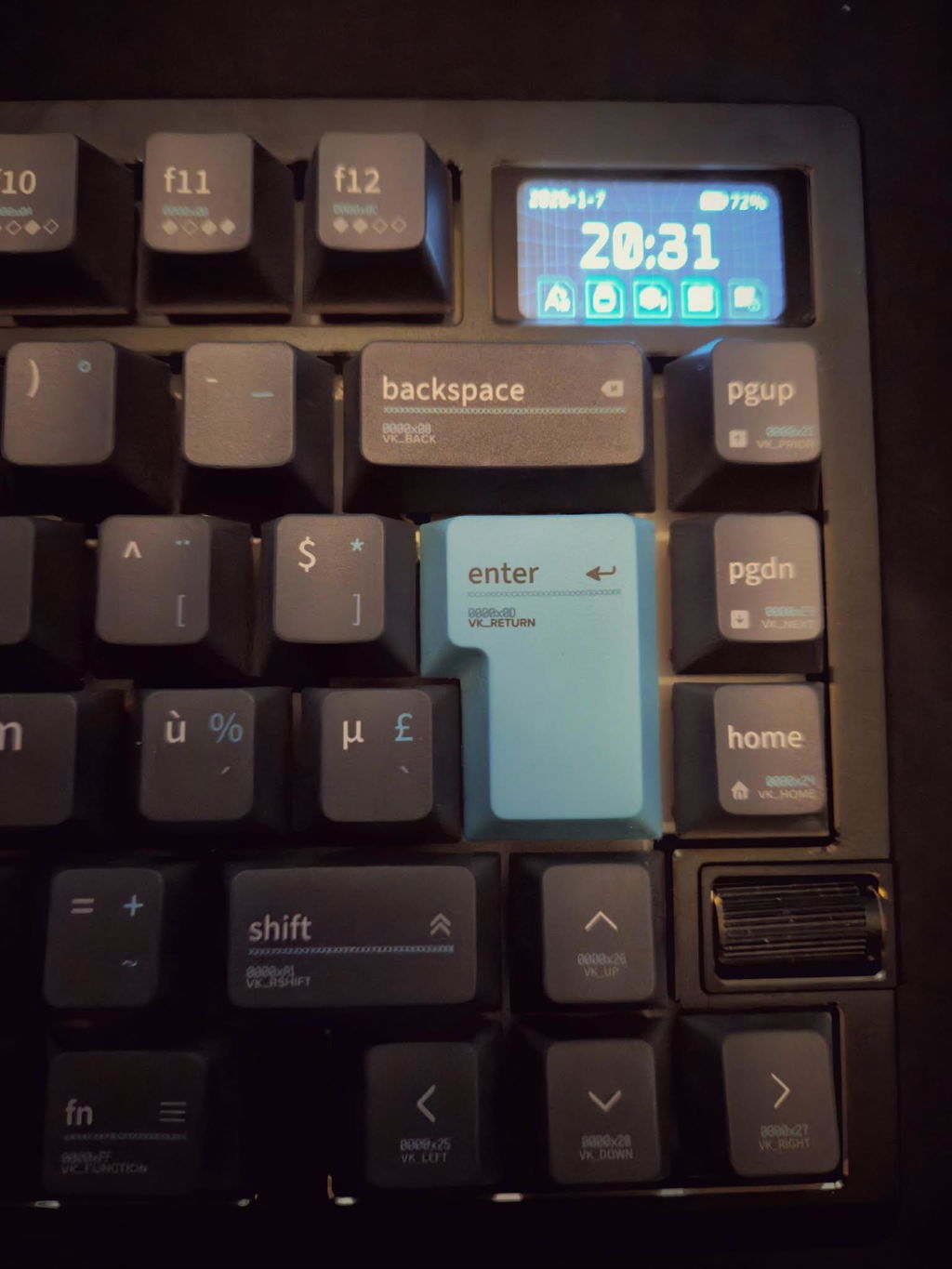
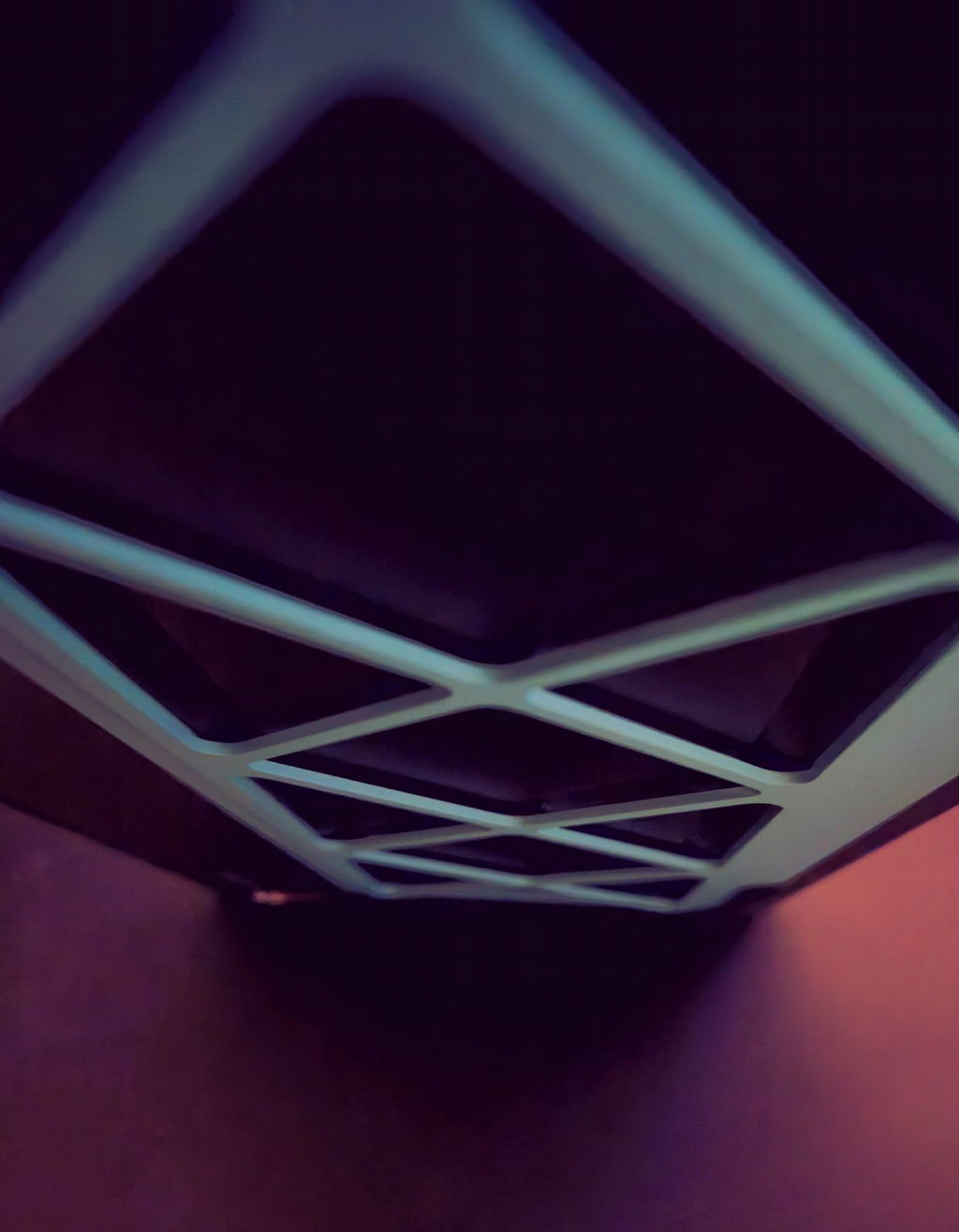
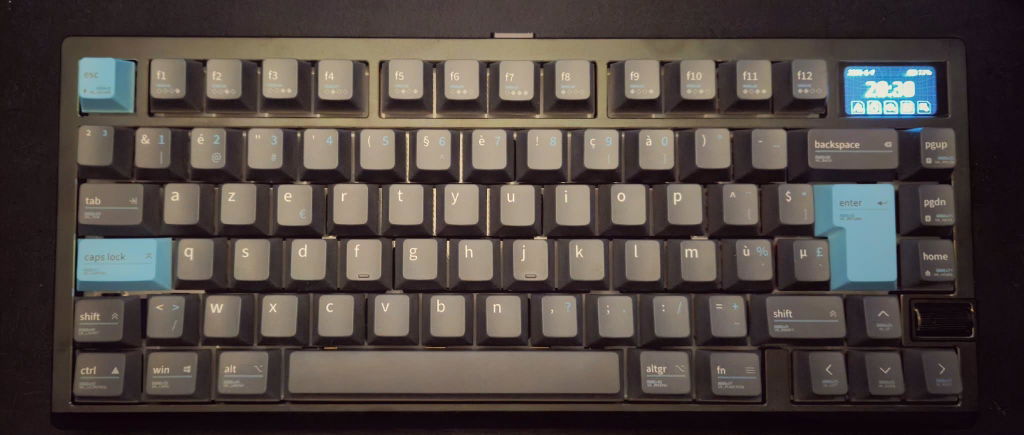
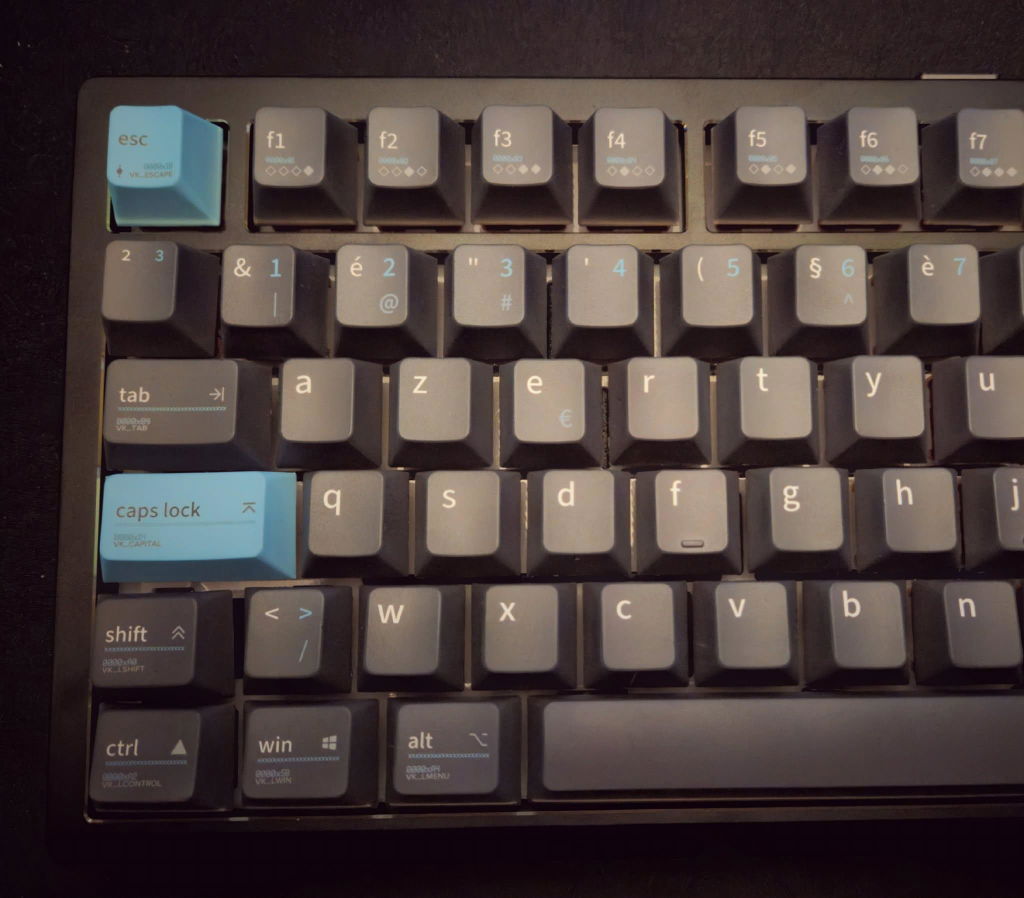
Maybe the best keyboard that I’ve typed on. Insane build quality an absolute unit of a keyb. With the proper switches and keycaps you can build a thock monster of a keeb Extremely easy to assemble , honestly I have nothing to complain about gg guys this might be endgame!!!
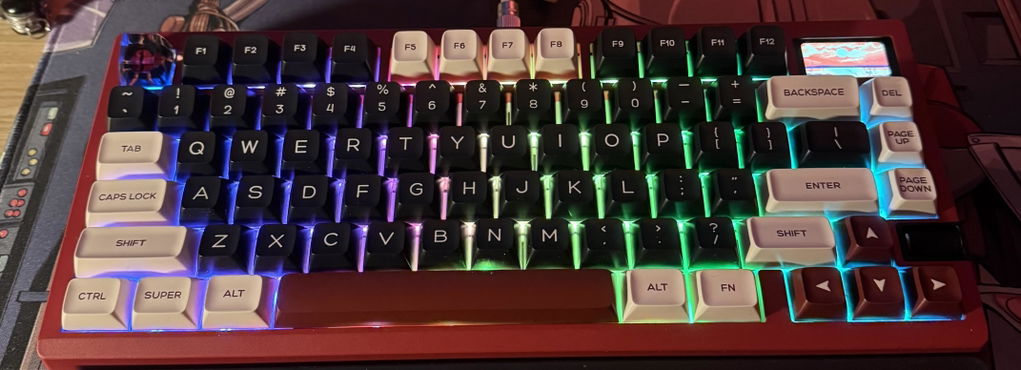
My near perfect keyboard
I wish it had 12 hour time by default. Otherwise everything has been perfect.
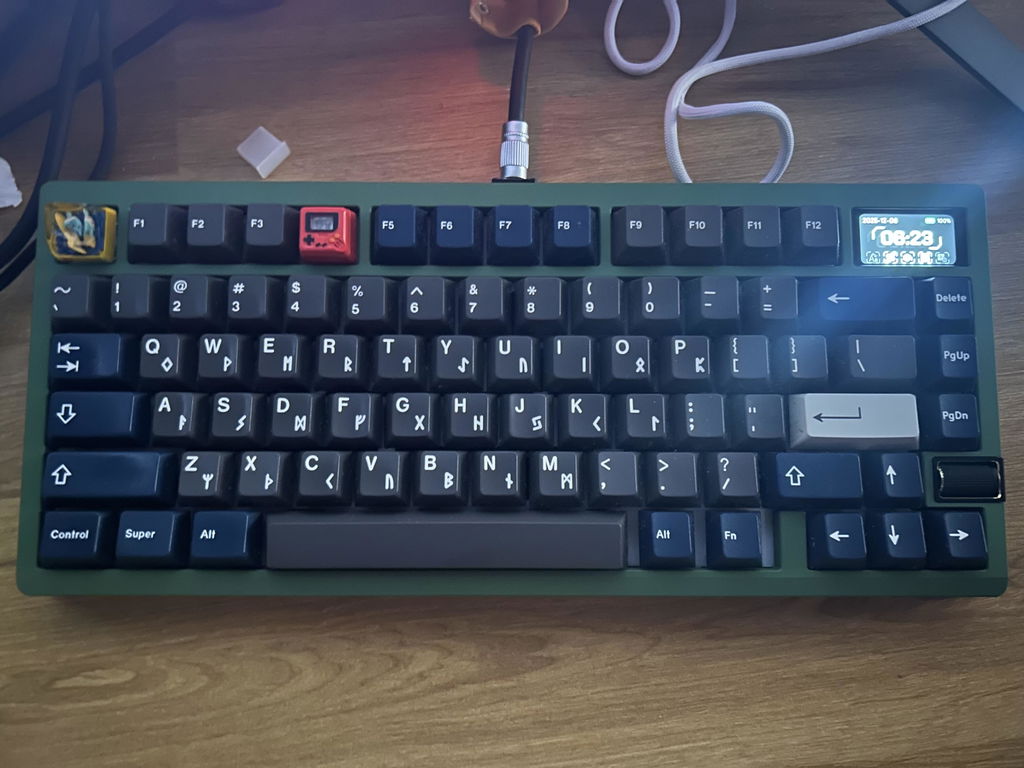
This little keyboard serves as my wireless gaming keyboard for the living room, but i actually love the little screen it has for typing special effects. All around cool little keeb
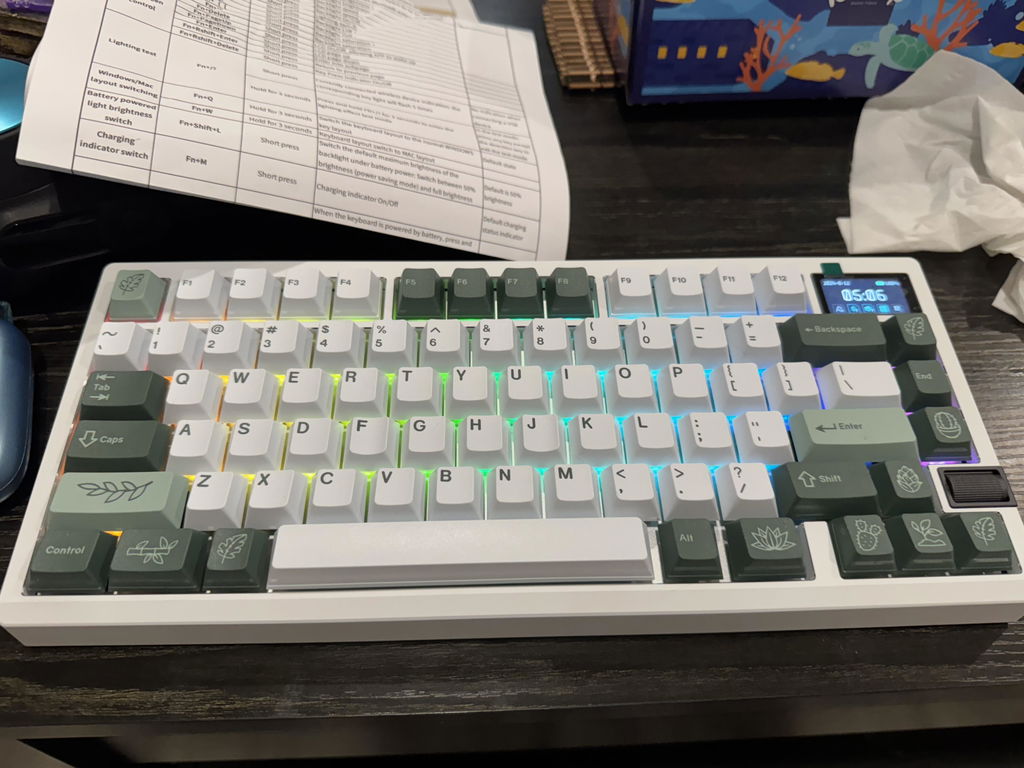
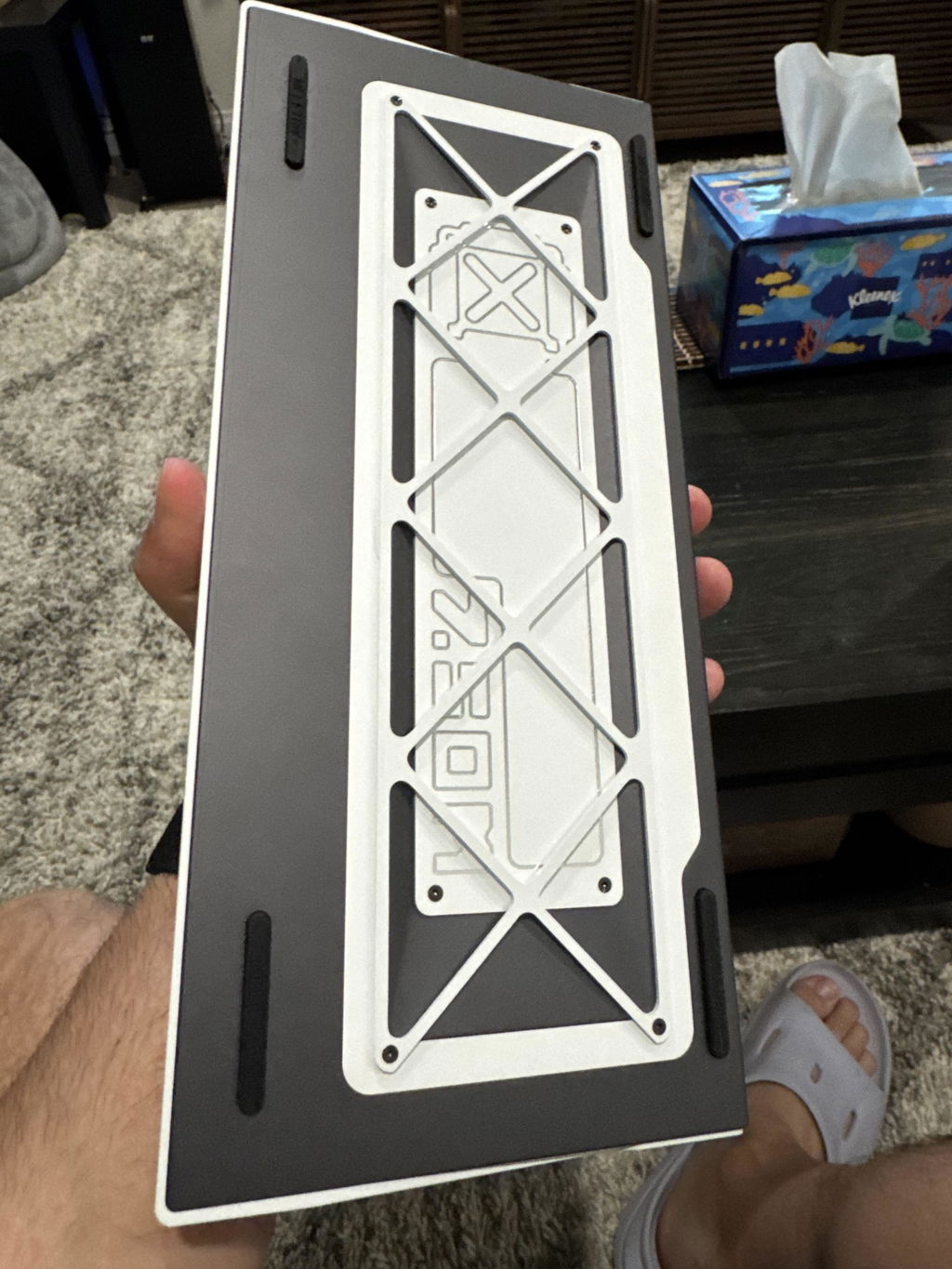
The keyboard arrived safely. The unboxing feels great and the keyboard itself have a premium touch to it.
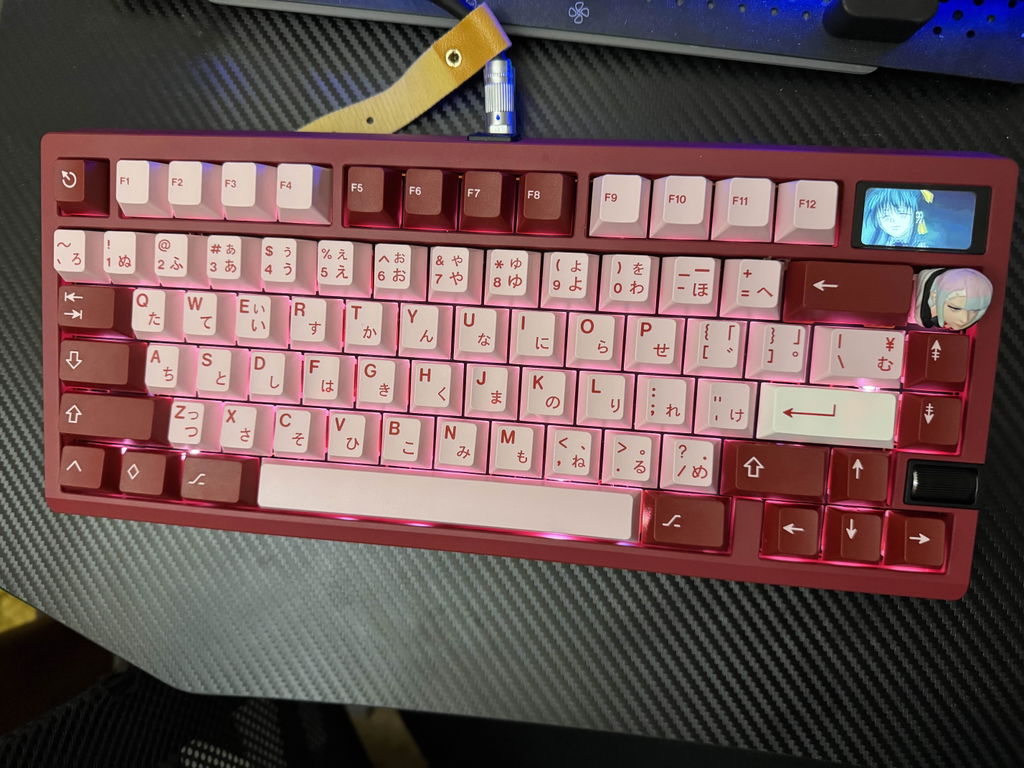
Some notes about assembly:
Installing the stabilizers were pretty difficult. I usually prefer screw in stabilizers, but used the ones included (they look like the WS Stupid Stabilizers). I was unable to install the tiny clip in inserts on the bottom side of the PCB because they were so small for my hands. So far nothing bad has happened to the stabs yet which is good.
My configuration came with a PC plate, and the holes for the plate and PCB standoffs were not screwed holes, so I had to forcibly push the standoffs into the holes. Having screw in holes so I can screw in the standoffs would be better, though this might not be possible for softer materials like PC.
The screen seems to be a little loose on the top frame. It's probably not going to come off, but if you tap on it, there is a bit of rattle.
The ribbon for the scroll wheel is a little too long and I needed to fold and crease it to get it to fit into the rubber bumpers. Hopefully this doesn't damage the connection long term. The wheel is also a little stiff, which may be intentional to prevent accidental scrolls?
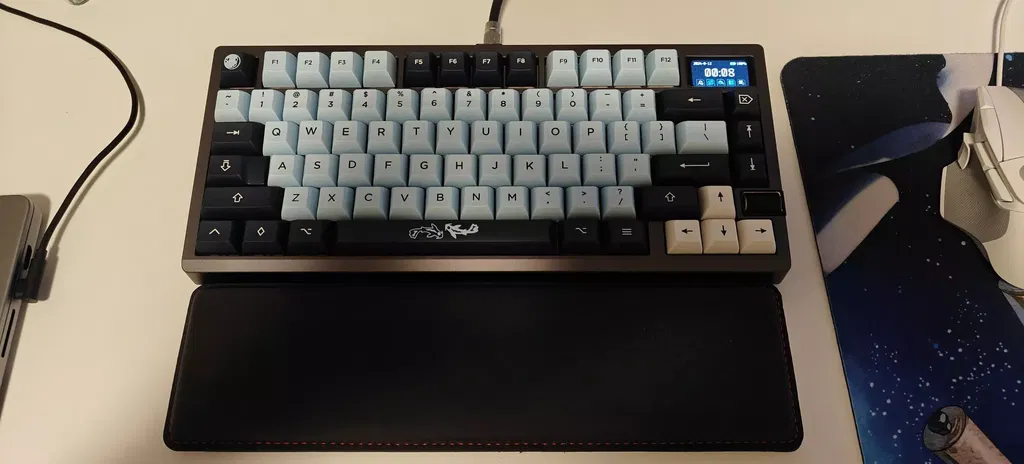
This zoom 75 tiga was my first custom build ever and honestly it went really well. The build process is very easy thanks to ball catch system and the keyboard overall is very good. However I've had a slight problem, I first built my keyboard with the silica gel mount which was fine. But today I wanted to try the elastic bar mount and realized that I was missing one. I had never opened the pack with them inside so I'm a little saddened that I can't use this mount. I would be very thankful if it was possible to send me even a single elastic bar so that I can use the mount. But overall this keyboard has been amazing.
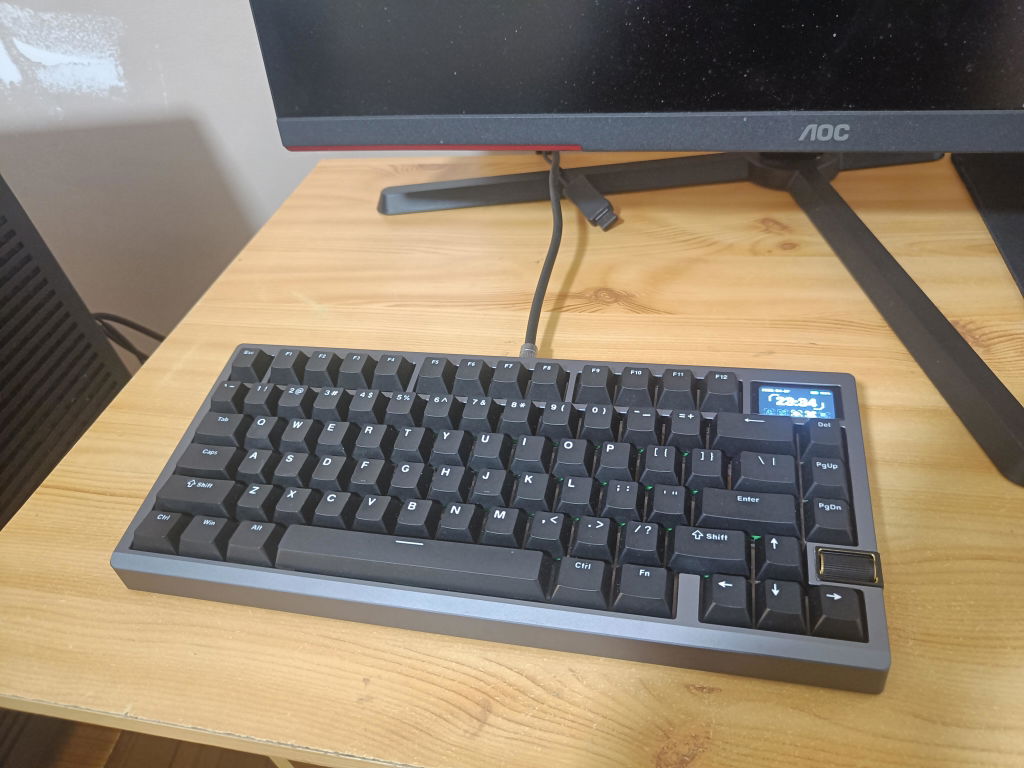
Easy to build and looks amazing
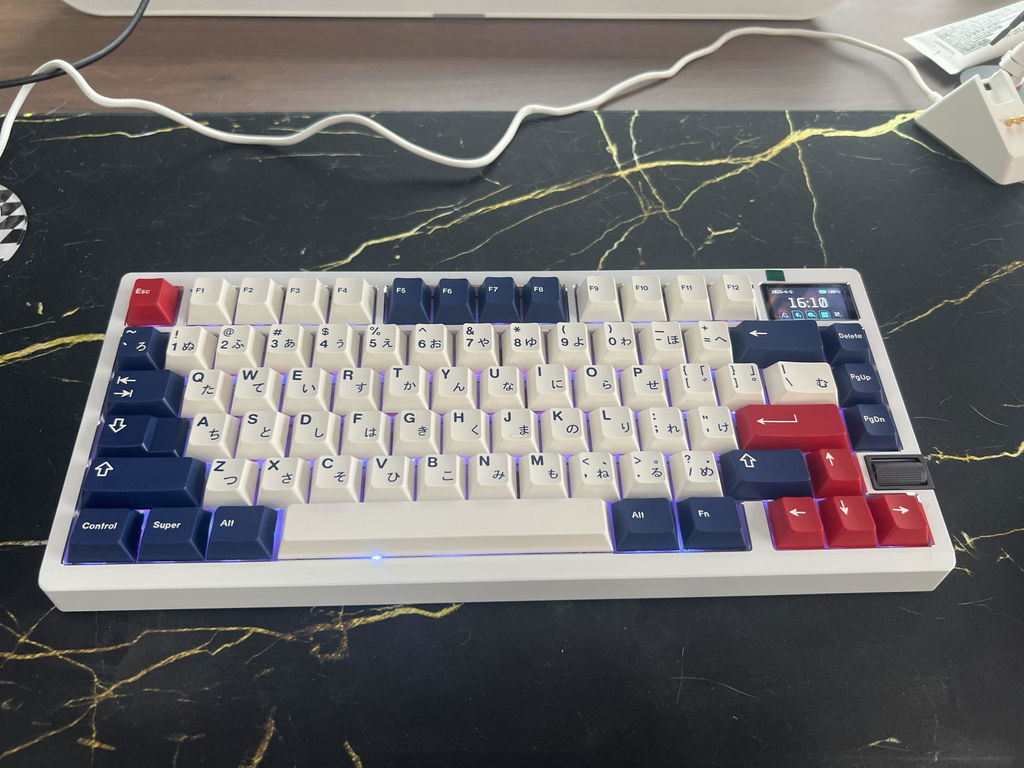
looks great, sounds great, so many cool colors
the stabs are nice, easy to put together
now trying to figure out what other color to get
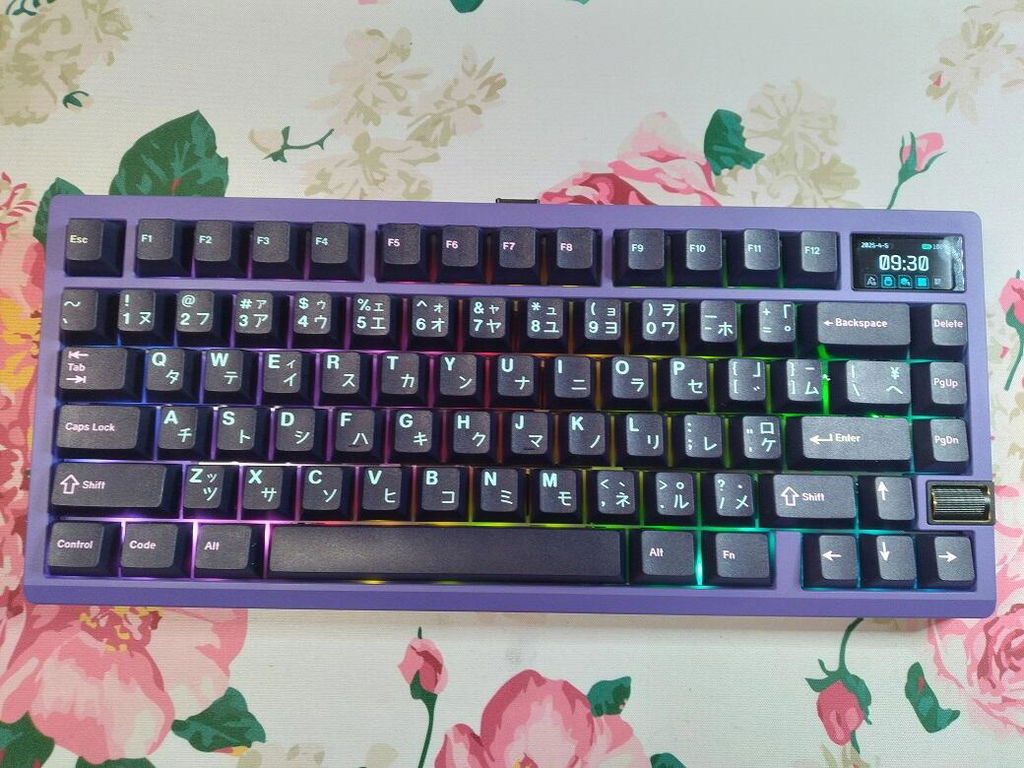
honestly i fw this board pretty heavy, when built with no foam the spacebar can match some of my higher tier boards in terms of sound profile. I enjoy the overall sound profile and feel of the board, and I think the board carries enough heft that it does feel very premium.
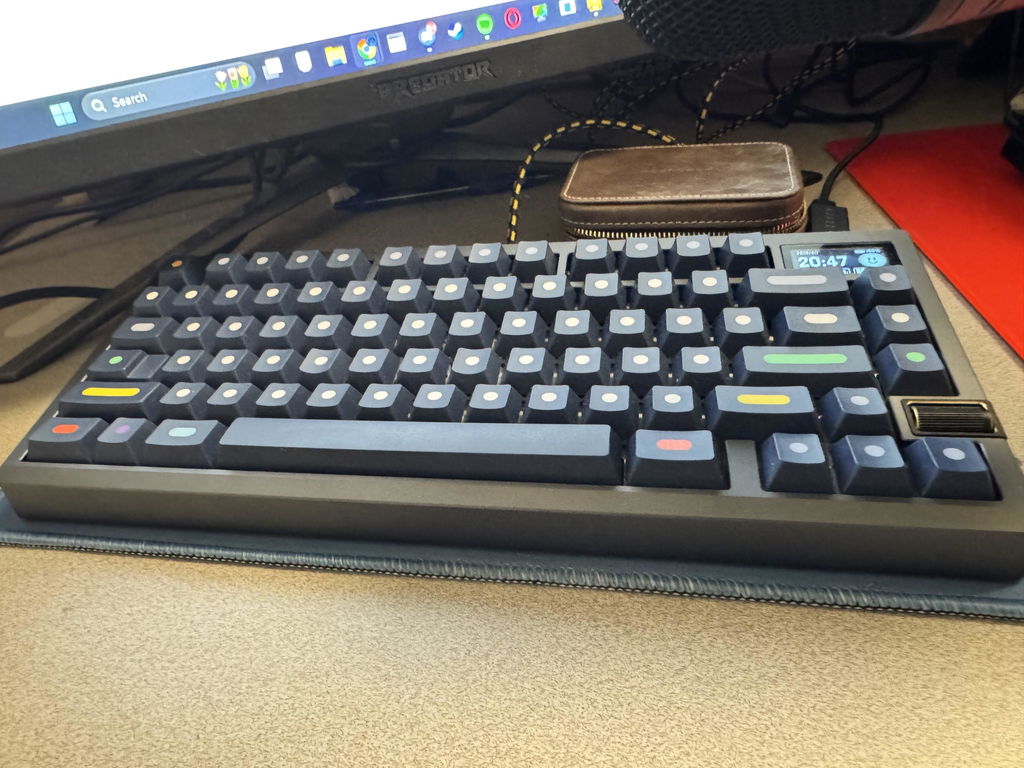
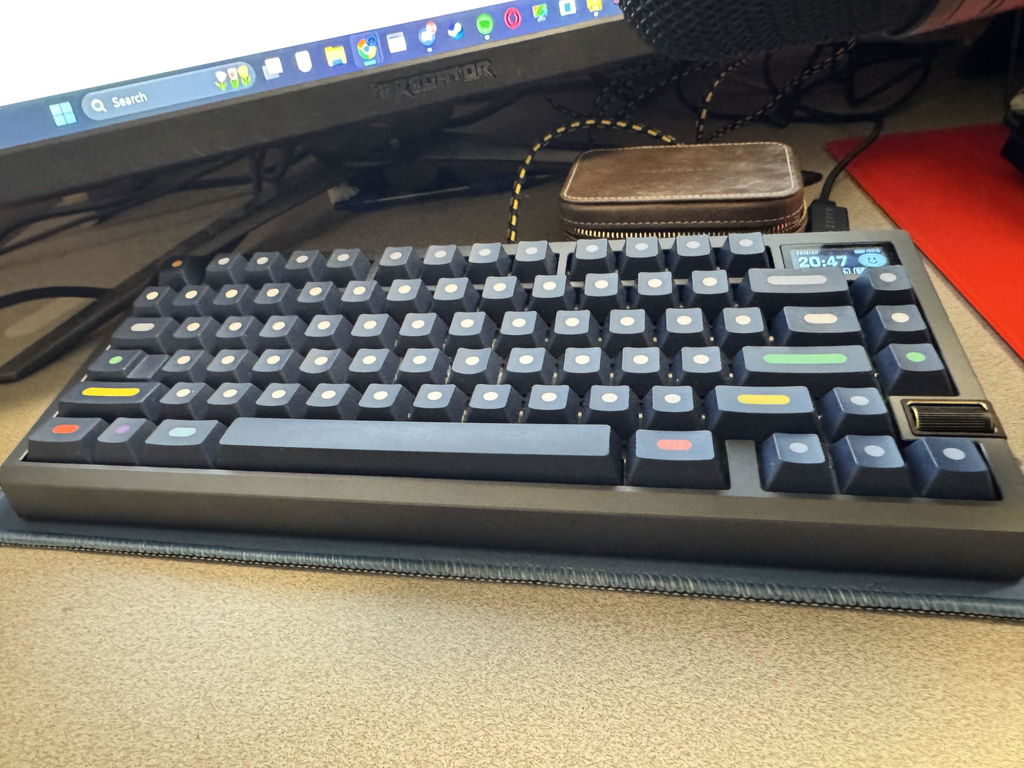
The Zoom 75 Tiga is tremendously stylish and was a breeze to build. The options available are different enough to be interesting and make experimentation worthwhile and enjoyable, without being overwhelming. The color options and stylish accents really make this keyboard stand out.
The sound profile is fantastic. I selected the PC plate and Poron foam kit, am using SA Espresso keycaps from Signature Plastics, and Everglide Aqua King switches. It is a deep and satisfying "thocky" sound and perfectly matches the warm, cozy look of the Cafe Brown colorway.
This was my first barebones keyboard, and despite some inevitable minor hurdles with translated guides and elements that seemed to assume a level of knowledge and experience I lacked, it was a joyful experience. I immediately ordered another plate and the cork kit so I could take it apart and do it again.
There are a few minor hiccups that remain unresolved, although I am sure that will change soon if not immediately. These look extensive typed out, but they are gripes about the extra amenities mainly, and ones that clearly can/will be ironed out over time. The quality of the product, communicativeness of the Group Buy experience, and the relatively on time arrival give me confidence.
First, it is not at all obvious that you need the Pocket Wuque app to customize the LCD screen. I only learned about it by searching up content creators who had made videos about how to do it. This should be more obviously placed in the user guide. In general, the functionality of the LCD could use significantly better documentation. A short demo video would suffice, to supplement the occasionally opaque and insufficient language of the user guide. Changing between the three themes was an adventure in clicking around and finding out, rather than learning through documentation. I still don't know how to change the clock from 24H to 12H or if that's possible. The Pocket Wuque app works smoothly for uploading gifs, but that's really all it does, and you can only upload one at a time to the screen, and it takes a decent amount of time to change to a new one, even if its already loaded into the app. The desktop software is so far useless. It is supposed to send temperature, fan speed, and connection speed to the screen, but despite following all findable instructions (through extensive googling of other creator's videos and websites) it doesn't seem to do anything but make my PC ask for permission for it to run all the time.
Second, and this is technically related to a separate product, the ZoomPad Tiga needs its own build guide and video. The QR code that comes with the Tiga takes you to a page with guides for the original Zoompad only.
Finally, there are some significant issues with wireless connectivity that I am still diagnosing after several days. The 2.4ghz connection does not respond when starting the PC. I must connect the keyboard (or the pad, same problem) via usb in order to be able to type my login password. Once started, I have to unplug the dongle(s) and re-pair the device(s) every time if I want to use wireless.
Some of these issues may be resolved through Discord discussion and/or support tickets soon, but they have lingered for several days now so I feel they are worth mentioning. Overall the Tiga is a fabulous keyboard and I highly recommend it. These rough bits around the edges can't allow for a perfect score, but none of them ruin the experience and are all very fixable.
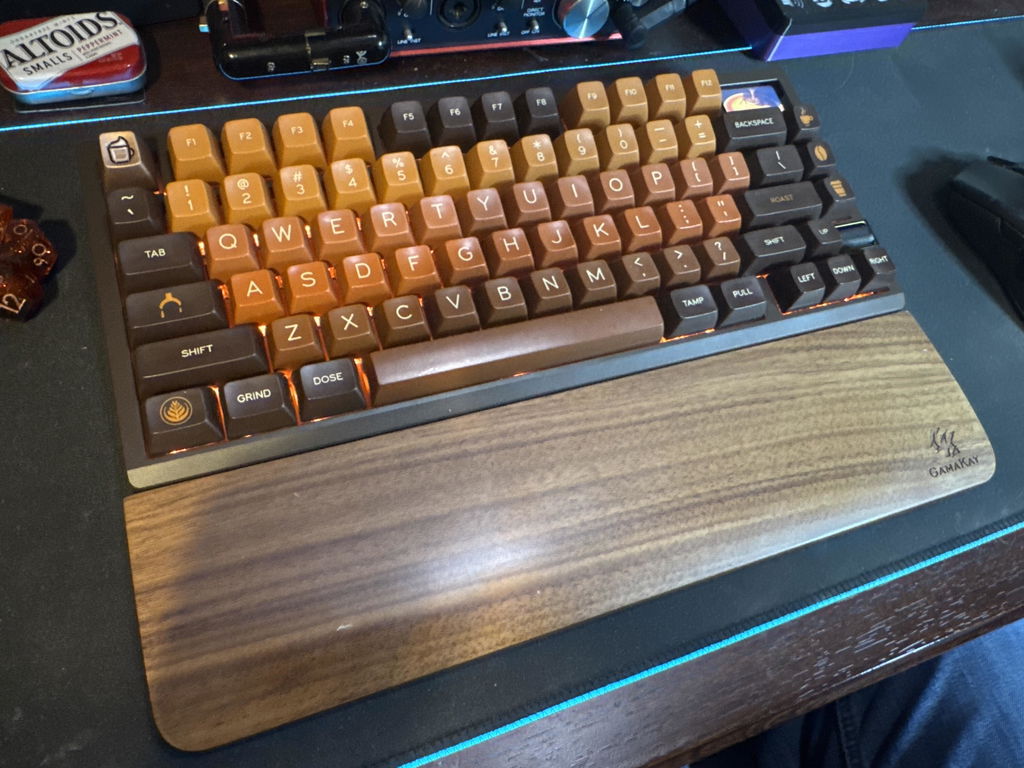
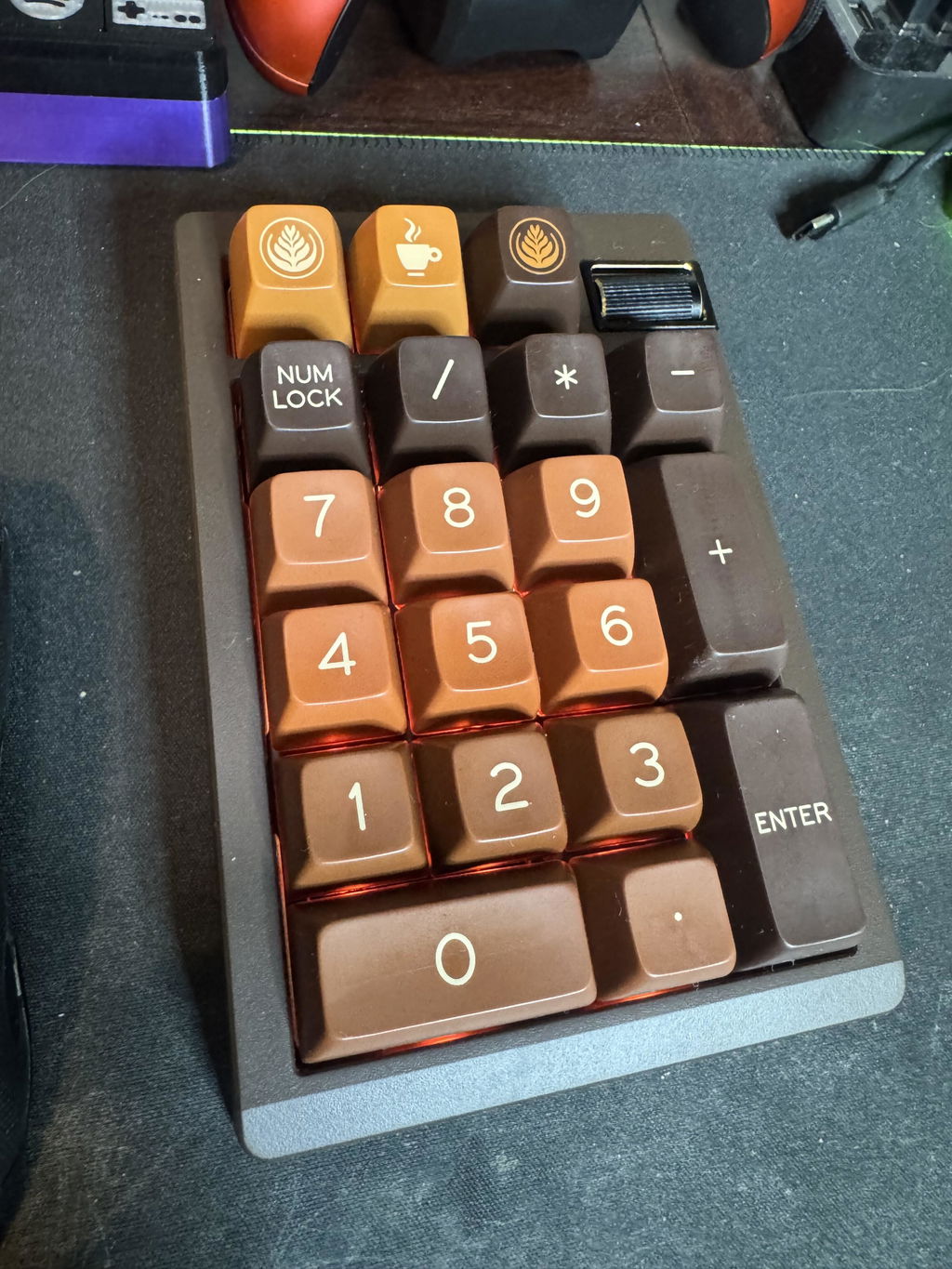
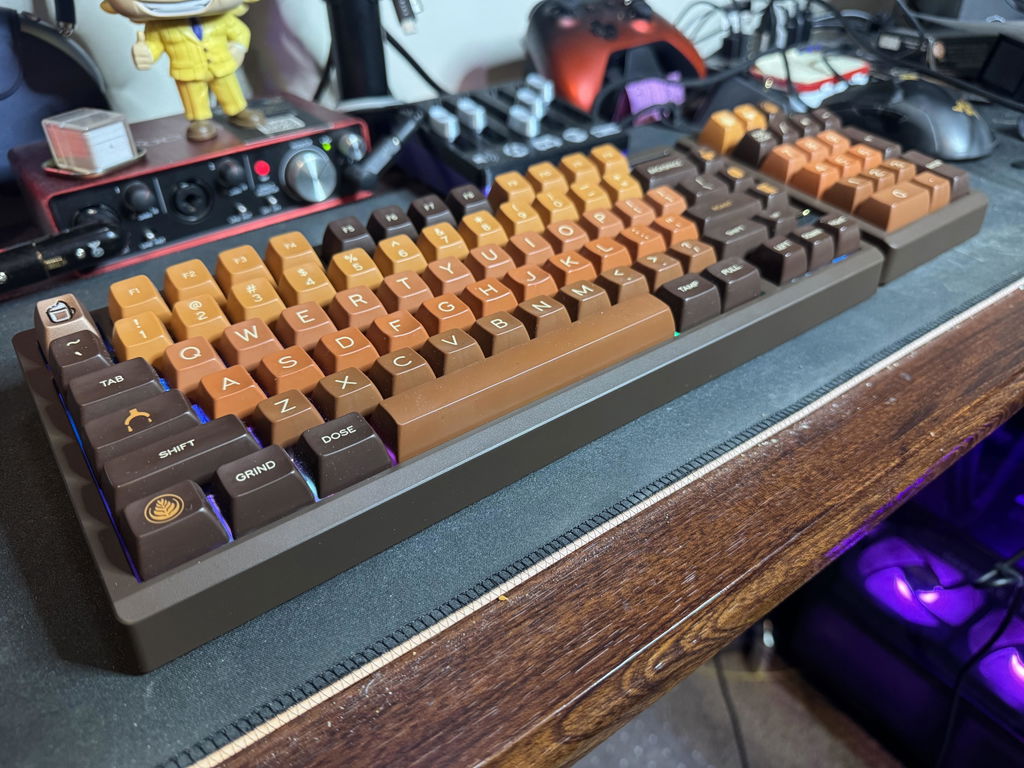
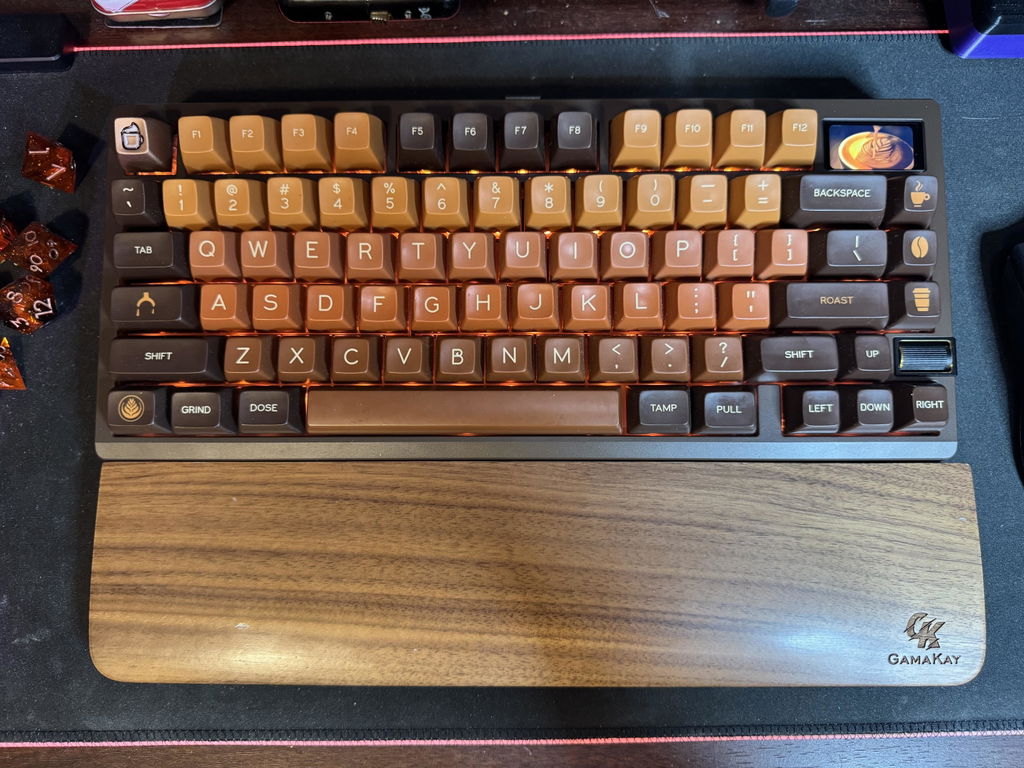
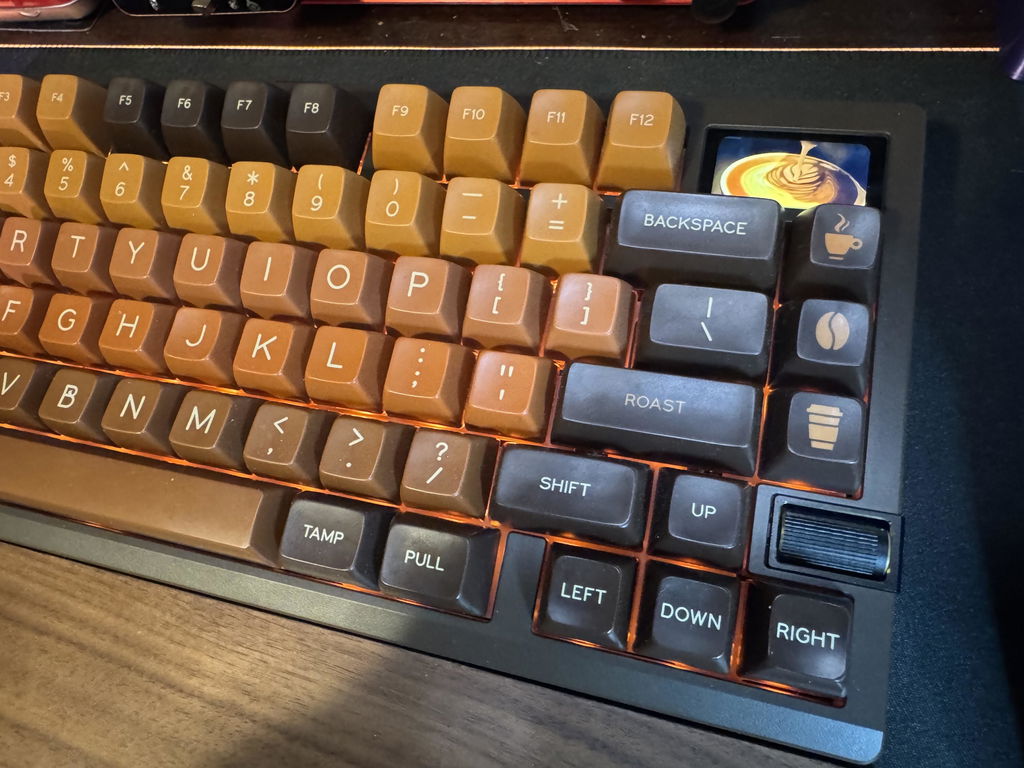
Coming for a Ducky Shine 7 keyboard to my first custom build and all I can say is that the feeling of building and customizing your own keyboard is unmatched by any other offerings. I had build my dream silent keyboard that is not over the top and still elegant and practical. Couldn't recommend it more!
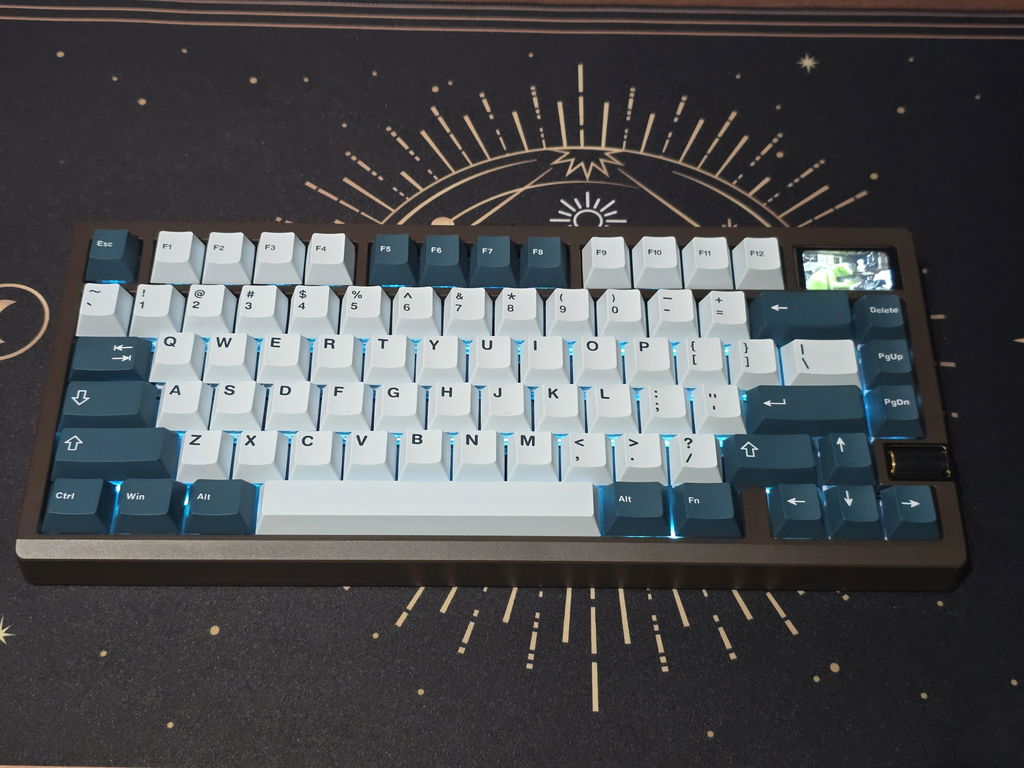
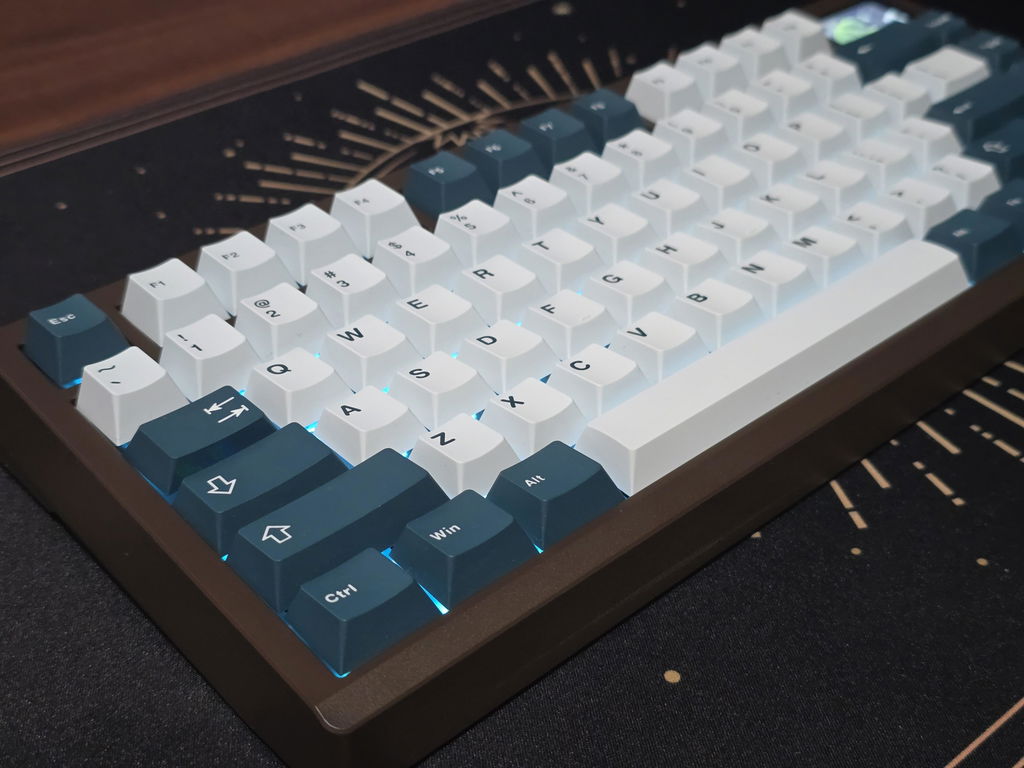
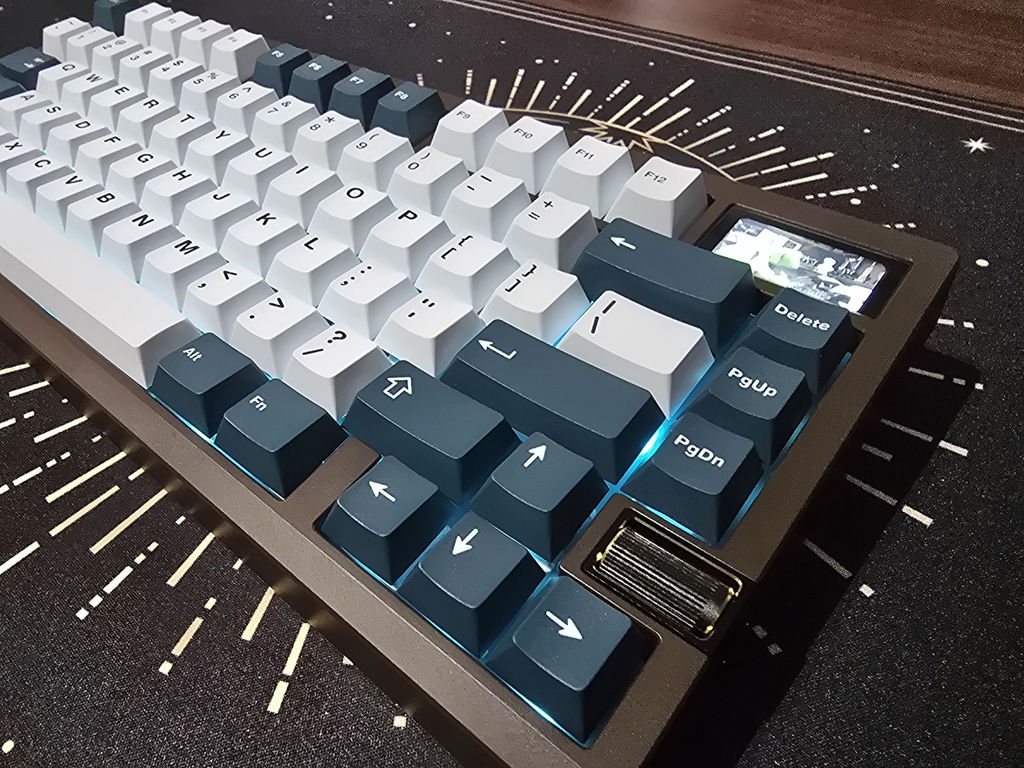
This is first venture into the Zoom lineup of keyboards. I have built countless other keyboards, but this one has got to one of my favorites. I built it with WS Arowana switches, with the POM switch plate and cork sandwich. I also equipped it with GMK Red Samurai keycaps from Drop. This keyboard sounds and feels amazing. It's very smooth and the sound profile is almost like a muted clack. I think the only grievances I have about this keyboard is the lack of an on-off switch and the charging light below the Fn key. The only way to completely turn the keyboard off is to unplug it (I use it in wired mode most of the time) and hold down Fn+Caps for 3 seconds. I just wish there was an easier way to do this. However, these are just minor things that can be overlooked very easily. Overall, this is probably one of my favorite keyboards in my collection; it was well worth the wait.
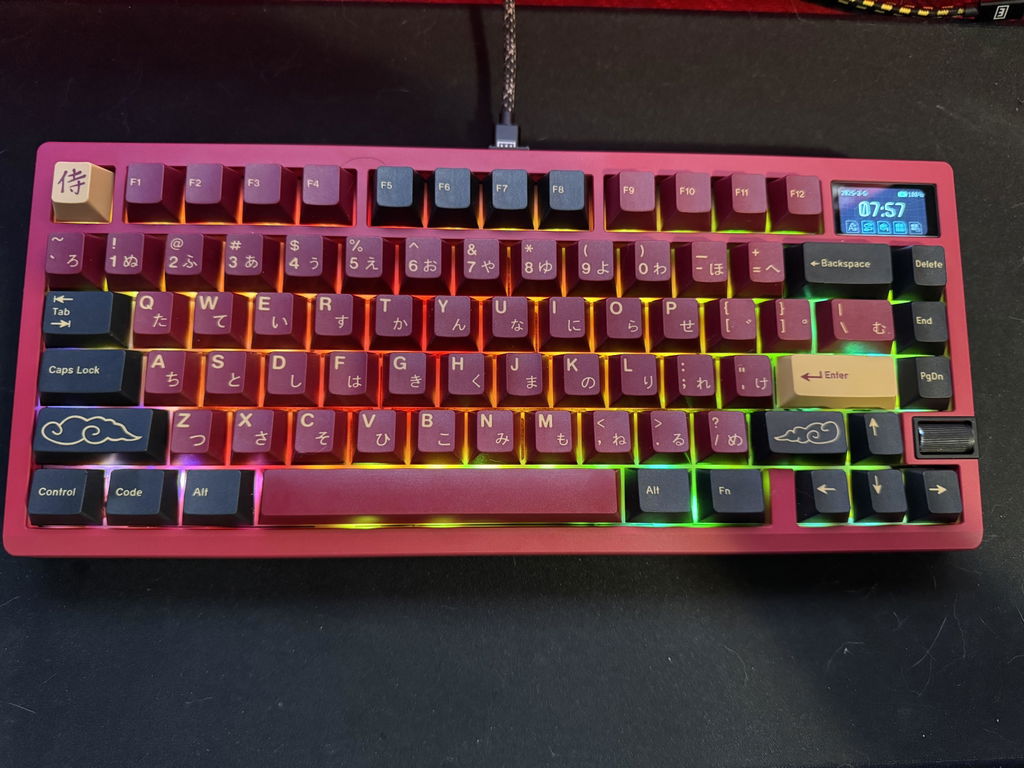
Gereat, unique, board with a lot of options for mounting. Aesthetics look great and thought through from the back to the knob module to the lcd. The app could be a bit more intuitive, but the radical design here I love it
Upgraded from Zoom65 v1.
Build quality: 5 *
Design: 5*
Friendly: 5* very easy to build
Connectivity: 4* [Wireless hard to use, and not respond very good]
LED screen: 3* [Not very friendly to use, had no use web app to update frequently].
Recommended to others: 100%
